
iKOOLCORE / JetKVM
Control Any Computer Remotely
A compact open-source KVM over IP device with hardware-level access, low-latency video, free cloud access, and room for power-control expansion. Built for IT teams, developers, and homelab owners.
Sold and supported by iKOOLCORE

JetKVM hardware refresh
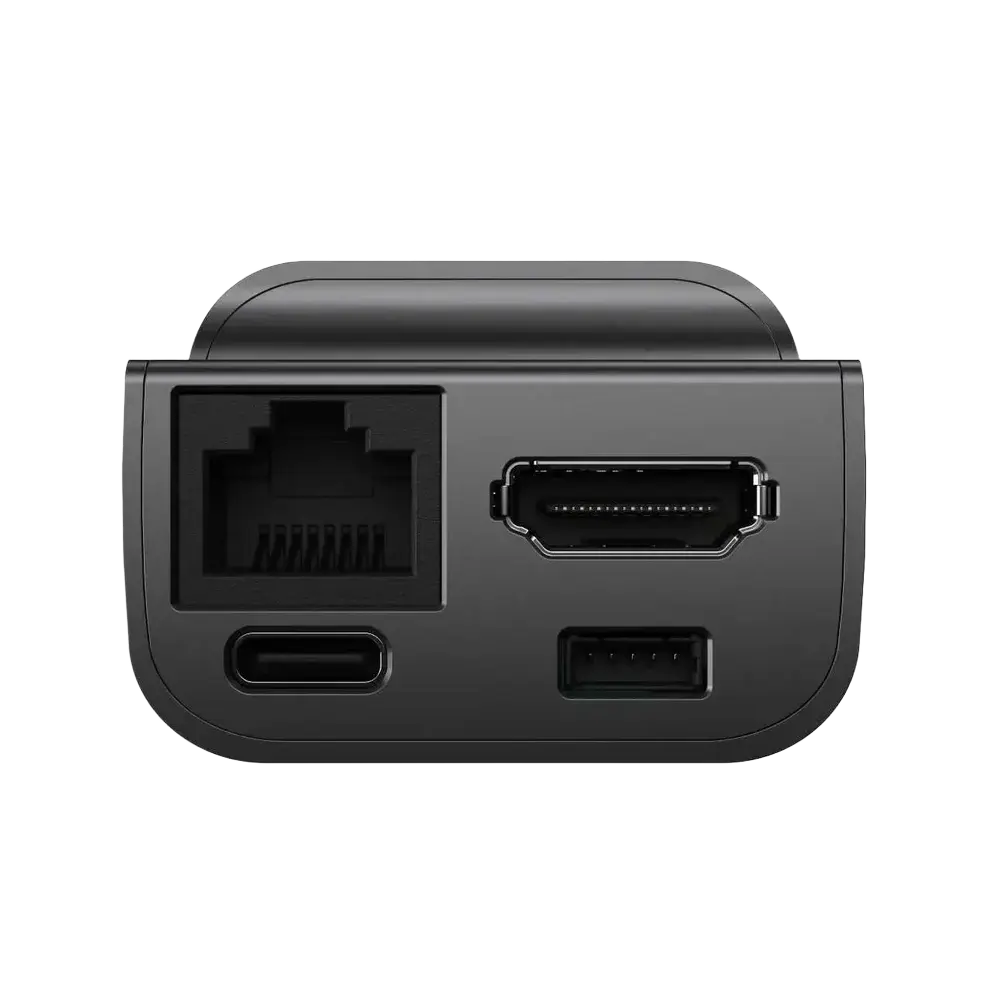
The current model includes 32 GB microSD storage, a full-size HDMI input, and a dedicated 5-pin extension port. Choose Non-PoE ($103) or PoE ($119) from the variant selector above.
What Is the JetKVM KVM over IP Device?
JetKVM is an open-source KVM over IP device that plugs in between a computer and its display to provide remote keyboard, video, and mouse control at the hardware level. It keeps working during BIOS startup, OS failures, and other states where standard remote desktop software cannot help, making it a practical option for remote server management, home lab support, and IT maintenance.
JetKVM KVM over IP
- Works before the operating system loads, including BIOS and boot failures
- Requires no agent or driver on the target computer
- Provides OS-independent keyboard, video, and mouse control
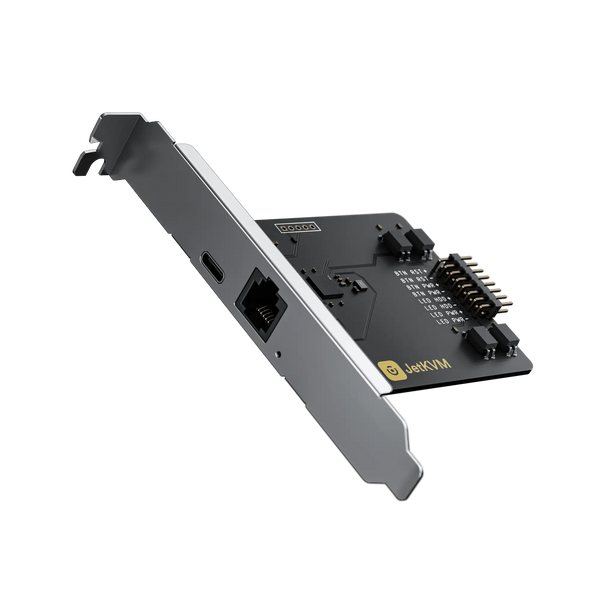
- Supports optional ATX and DC power control extensions
Standard Remote Desktop Software
- Requires a running operating system and a working network stack
- Needs an application or agent installed on the target device
- Cannot recover a failed boot, BIOS misconfiguration, or kernel panic
- Has no native hardware power cycling capability
Why Use JetKVM for Remote Server Management?
Traditional out-of-band management can be expensive and complicated. JetKVM puts reliable remote access between the monitor and computer, even when the operating system is offline.
Remote BIOS-Level Access
Control the screen, keyboard, and mouse even while the machine is booting or stuck. Troubleshoot kernel panics, change BIOS settings, or reinstall the OS from anywhere.
No Target Software Required
JetKVM works at the hardware level, so there are no agents or drivers to install on the controlled computer. It works with Windows, macOS, Linux, and BSD.
Low-Latency Video
Stream 1080p video at 60 FPS with hardware-encoded H.264 and 30-60 ms latency for responsive keyboard and mouse control.
Key Benefits
JetKVM Key Specifications
The core hardware features of the current iKOOLCORE JetKVM model.

Front view

Ports and connectors

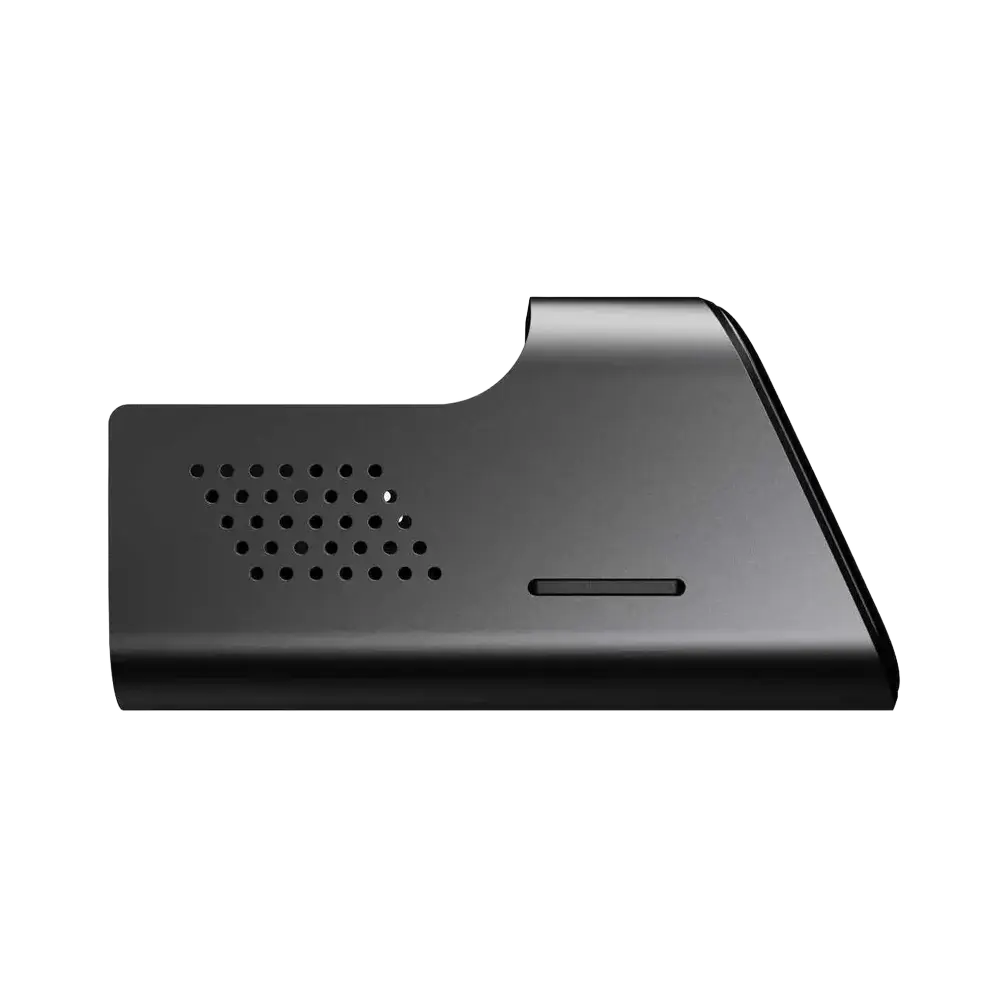
Side view

What is in the box
How to Set Up and Use JetKVM
1. Connect and Power
Connect the controlled computer to the full-size HDMI input, then power JetKVM with the included USB-A to USB-C cable or a standard 5 V adapter. The PoE model can also receive power and data through one Ethernet cable.
Attach the computer or server to the JetKVM HDMI input.
Use the included USB cable, standard 5 V adapter, or PoE on the PoE model.
2. Enable JetKVM Cloud Access
JetKVM Cloud uses WebRTC with DTLS/SRTP encryption and a Zero Trust authentication model so you can reach the device without port forwarding.
Browse to the local IP address shown on the JetKVM screen.
Open Settings and turn on Remote Access.
Sign in with Google OIDC. The device verifies the request.
Continue in the JetKVM Cloud dashboard.
3. Update Firmware
Firmware updates add features and security fixes. The interface downloads the signed release and installs it directly on the device.
Load the JetKVM web management interface.
Go to General > Check for Update.
Click Check for Updates and confirm the release.
Wait for the reboot and keep power connected.
Need connection or firmware help? See our JetKVM troubleshooting guide and support downloads.
4. Tailscale VPN Access
Tailscale creates a private WireGuard mesh for secure remote access without opening ports. It is available as an optional setup for users who need another access path.
Show the Tailscale installation command
Run from your local computer after adding your SSH key in Settings > SSH Keys:
curl -fsSL https://jetkvm.com/install-tailscale.sh | sh -s -- <jetkvm_ip>
JetKVM Accessories and Extensions
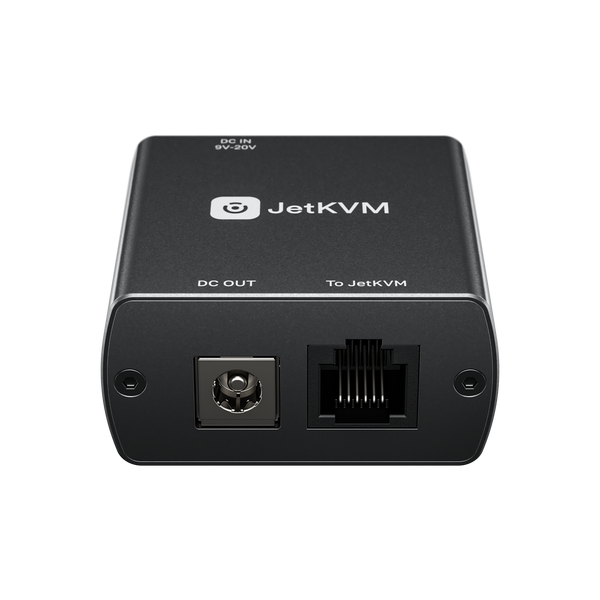
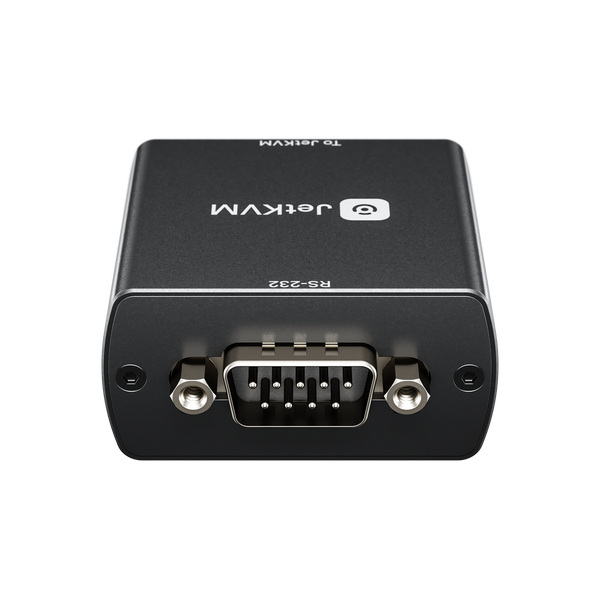
Use JetKVM add-on boards to control server power, ATX machines, and serial consoles from the same KVM over IP interface.
 ATX Extension BoardPower, reset, and status control for ATX systems.Shop ATX extension
  DC Power Control ExtensionRemote power cycling for mini PCs and NAS devices.Shop DC extension
  More JetKVM AccessoriesSee cables, extensions, and JetKVM-compatible add-ons.Browse the collection
 Who Should Use JetKVM KVM over IP?
From single workstations to multi-node infrastructure, JetKVM keeps you in control when the host machine needs help.
IT Professionals
Manage servers and workstations without on-site visits, reducing downtime and response time.
Home Lab Enthusiasts
Reach Proxmox, TrueNAS, pfSense, and experimental hardware from any location.
Software Developers
Debug boot failures, flash firmware, and manage headless CI/CD nodes remotely.
Open-Source JetKVM Firmware
JetKVM firmware is open source, built with Go and TypeScript on Linux. SSH access lets you customize the web interface and system behavior.
JetKVM KVM over IP FAQ
What is a KVM over IP device?
A KVM over IP device provides remote keyboard, video, and mouse control by connecting directly to the target computer's video and USB ports. Because it operates at the hardware level, it can be used before the operating system loads and during boot failures.
Does JetKVM require software on the target computer?
No. JetKVM acts as the keyboard, mouse, and display from the target computer's perspective, so there is no agent or driver to install on Windows, macOS, Linux, or BSD.
Can JetKVM control a computer before the OS starts?
Yes. Remote BIOS-level access is one of the main uses for JetKVM. You can change boot options, enter the BIOS, troubleshoot a kernel panic, or reinstall the operating system while physically away from the machine.
How does JetKVM provide internet access?
JetKVM Cloud uses WebRTC with DTLS/SRTP encryption, so the device can be reached without port forwarding. Tailscale is also supported for users who prefer a private WireGuard mesh network.
Which JetKVM accessories are available?
The JetKVM collection includes ATX and DC power control extensions, cables, and other accessories for remote server power cycling and expanded management.
Is JetKVM covered by a warranty?
Yes. JetKVM purchased from iKOOLCORE includes a 1-year hardware warranty. See the JetKVM warranty policy for coverage details.
JetKVM Warranty, Support, and Downloads
Your JetKVM is covered by iKOOLCORE support from order to firmware troubleshooting. Use the links below for warranty details, resources, or direct assistance.