

iKOOLCORE
R2 Max: 10 GbE Firewall & Virtualization Host for Pro Users
R2 Max: 10 GbE Firewall & Virtualization Host for Pro Users
- Brand
- iKOOLCORE
- Category
- Firewall
- N150 / None / None
- $369.00 Sold out
- N350 / None / None
- $469.00 Sold out
- Overview
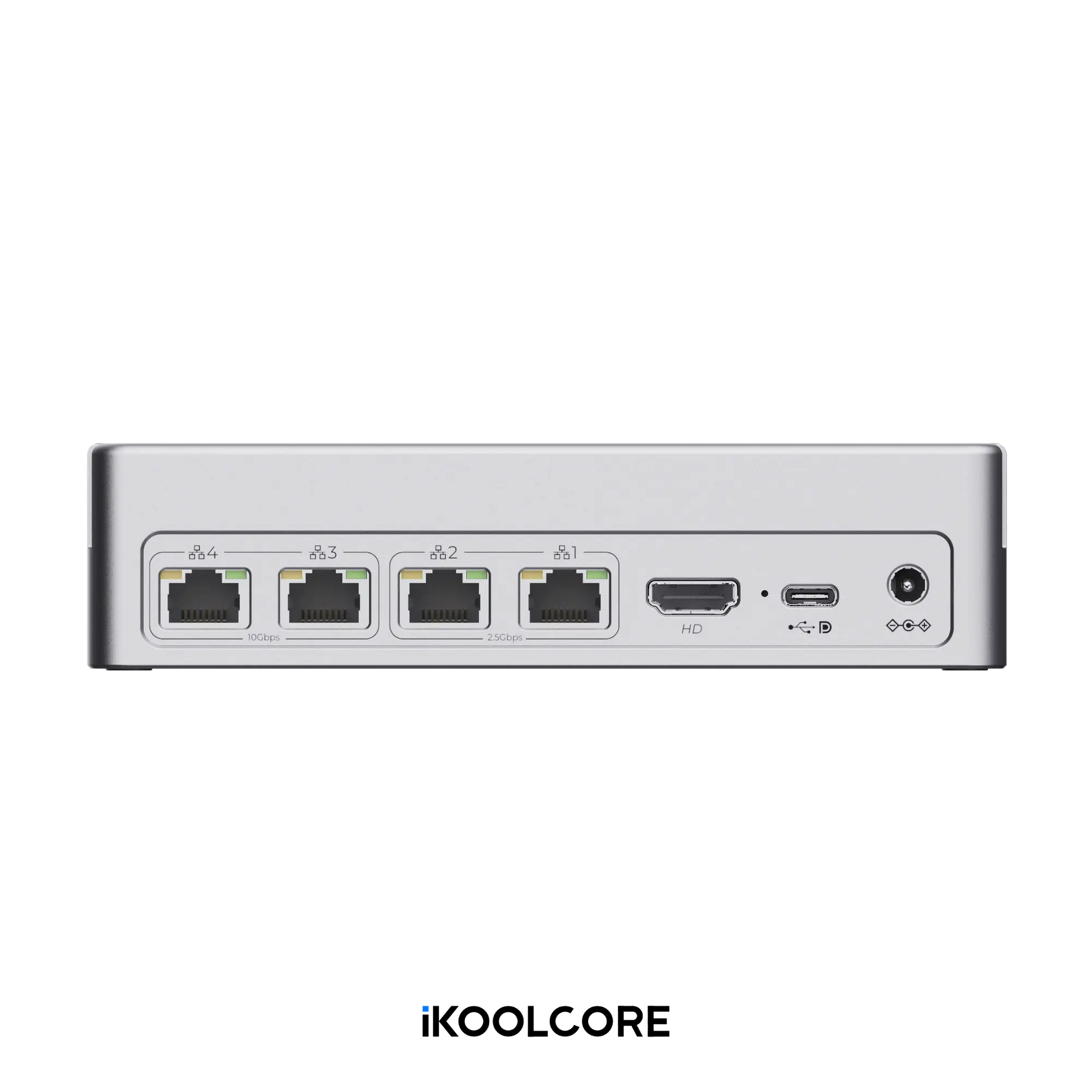
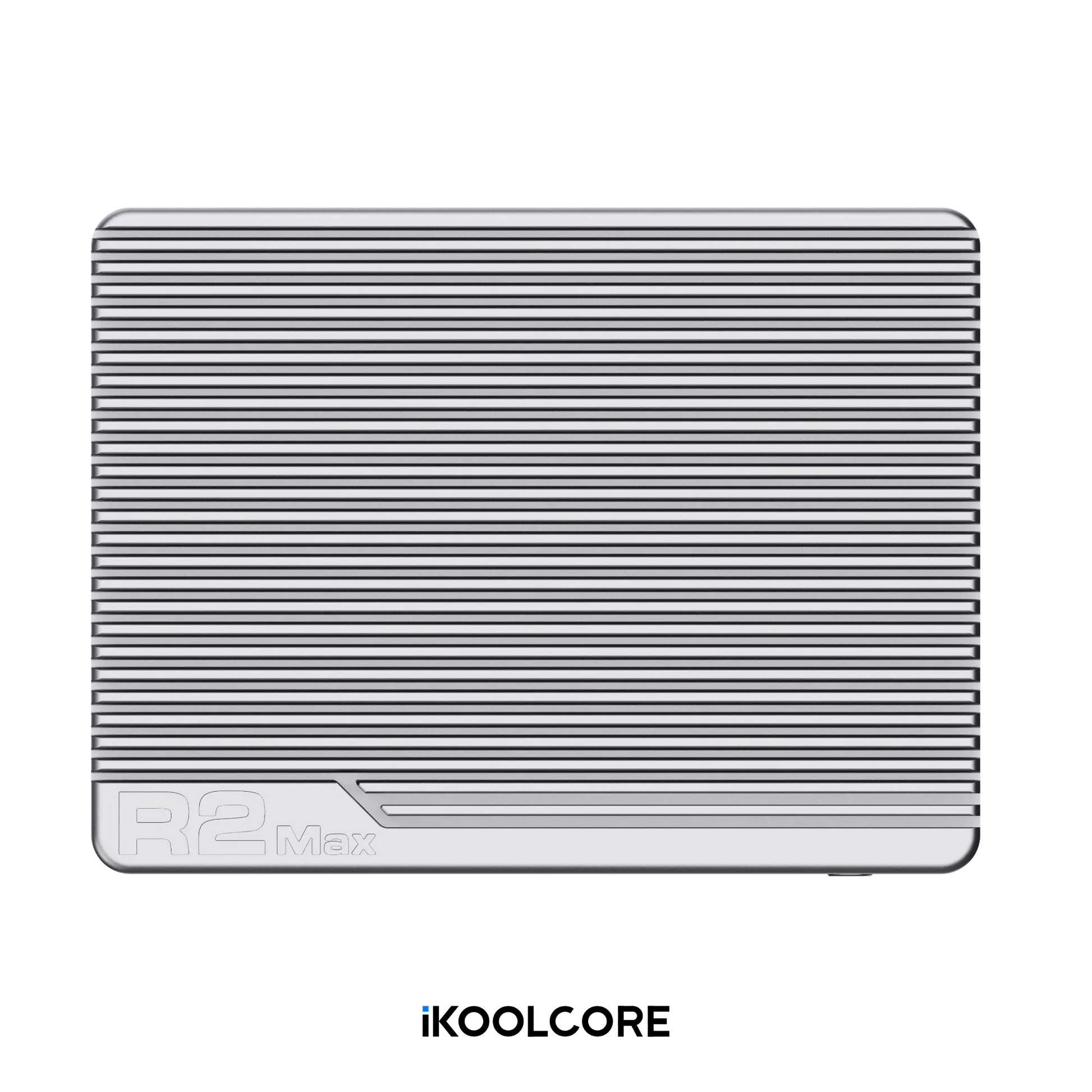
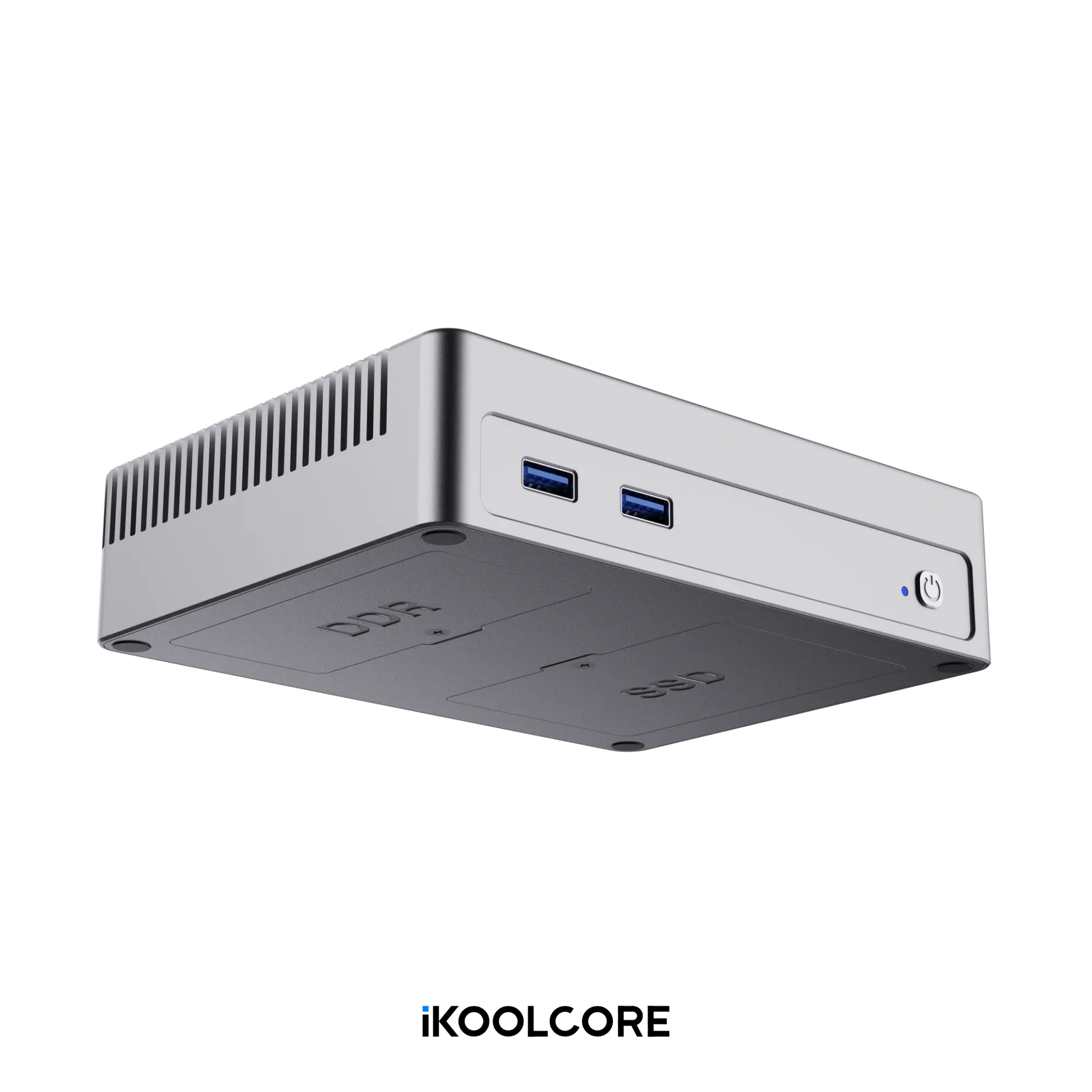
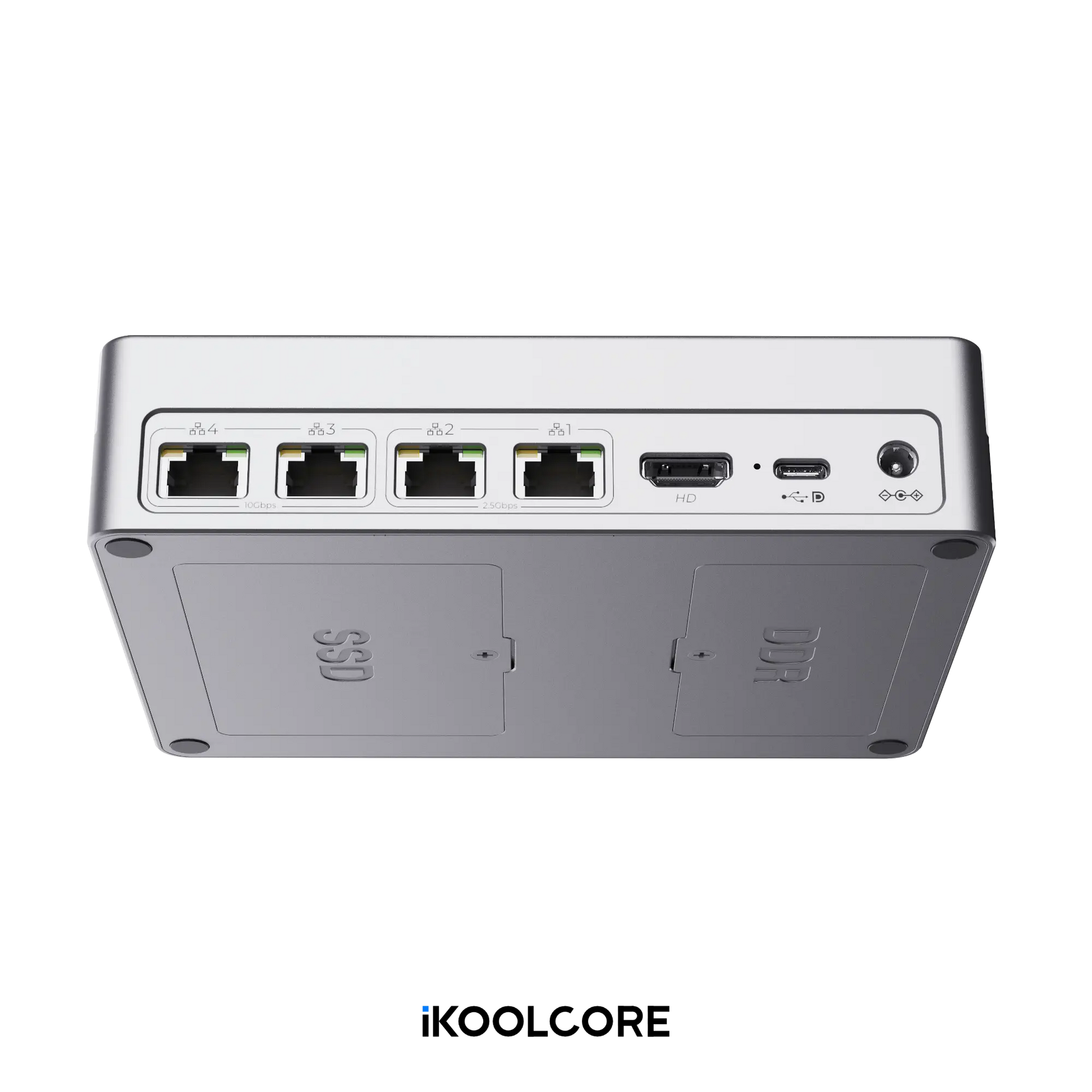
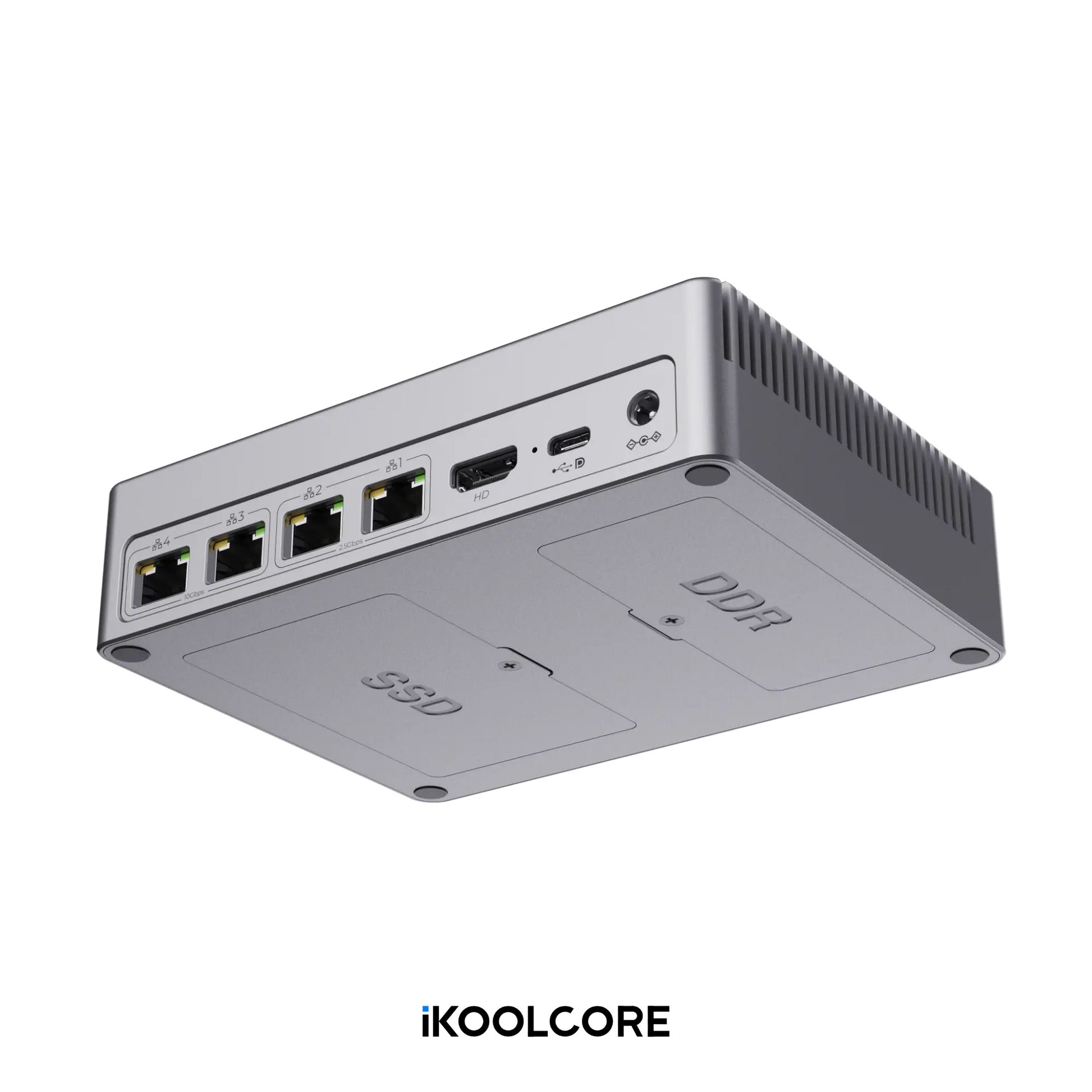
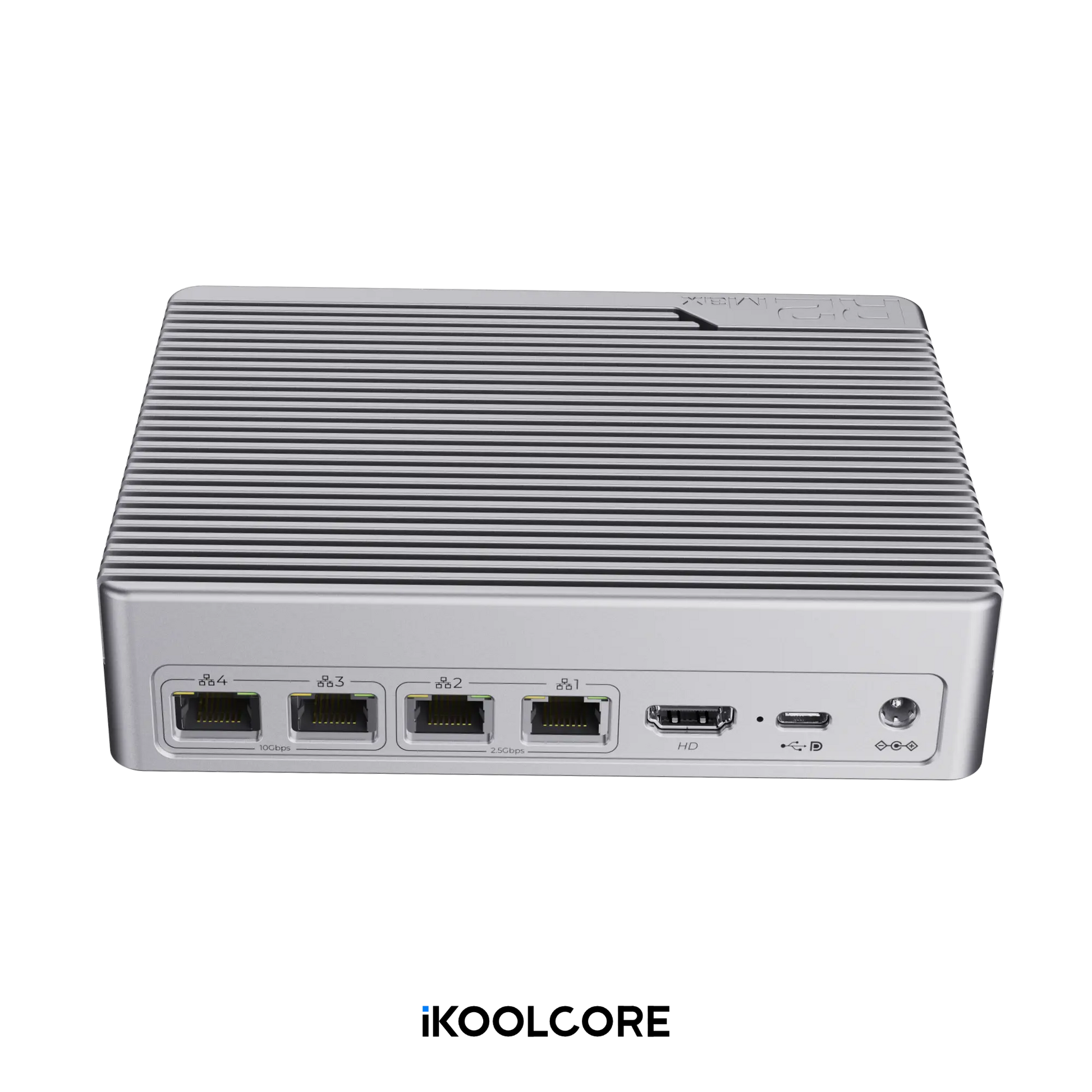
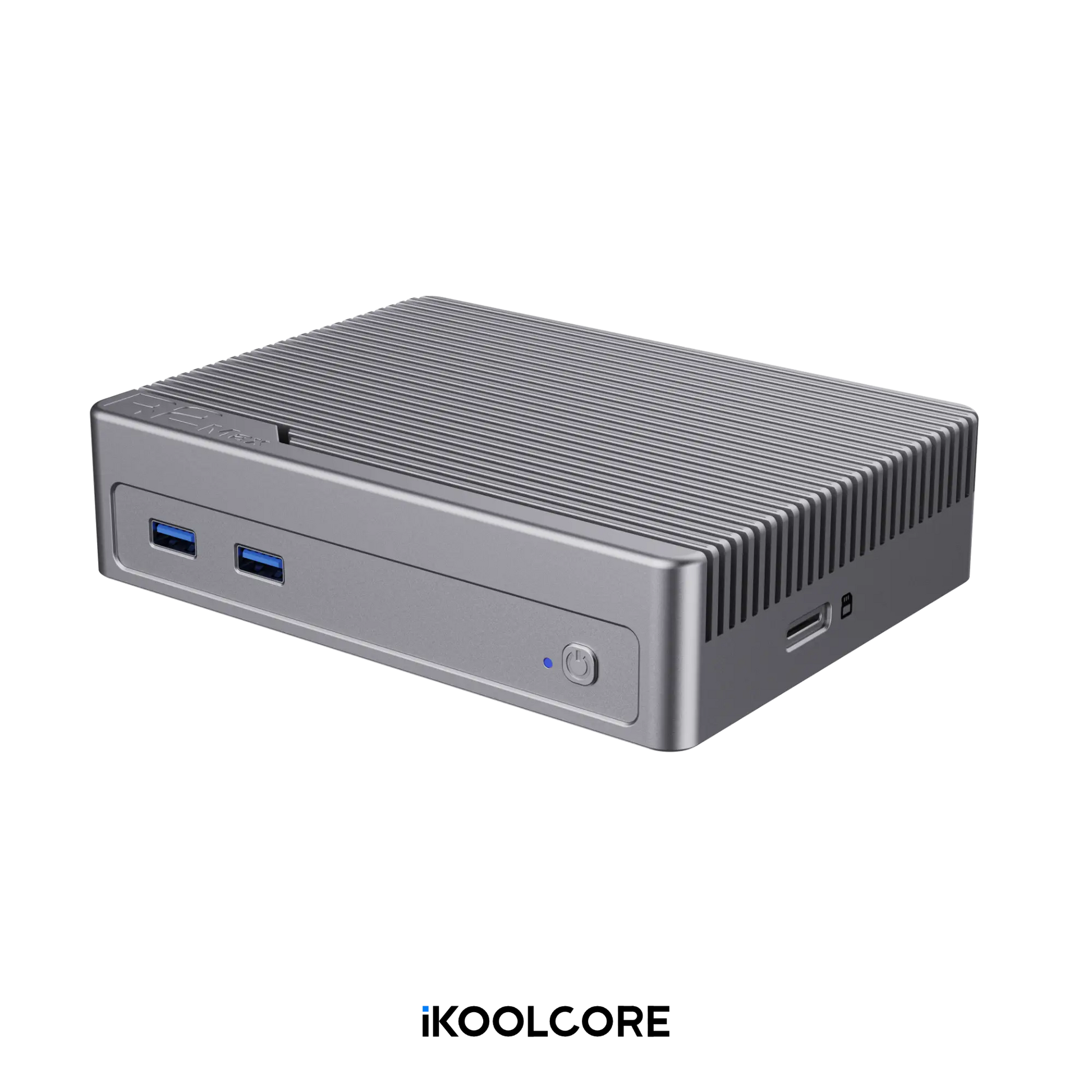
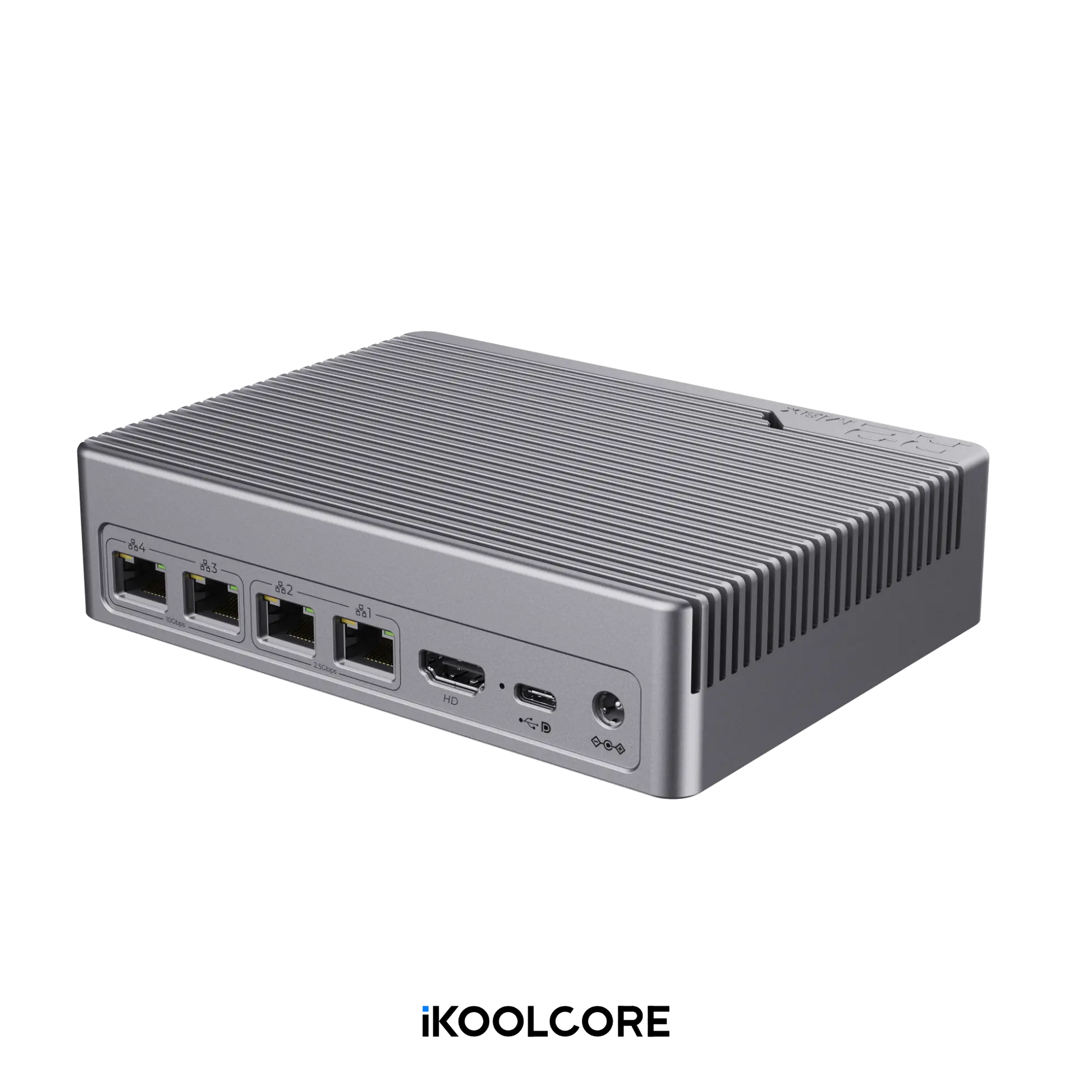
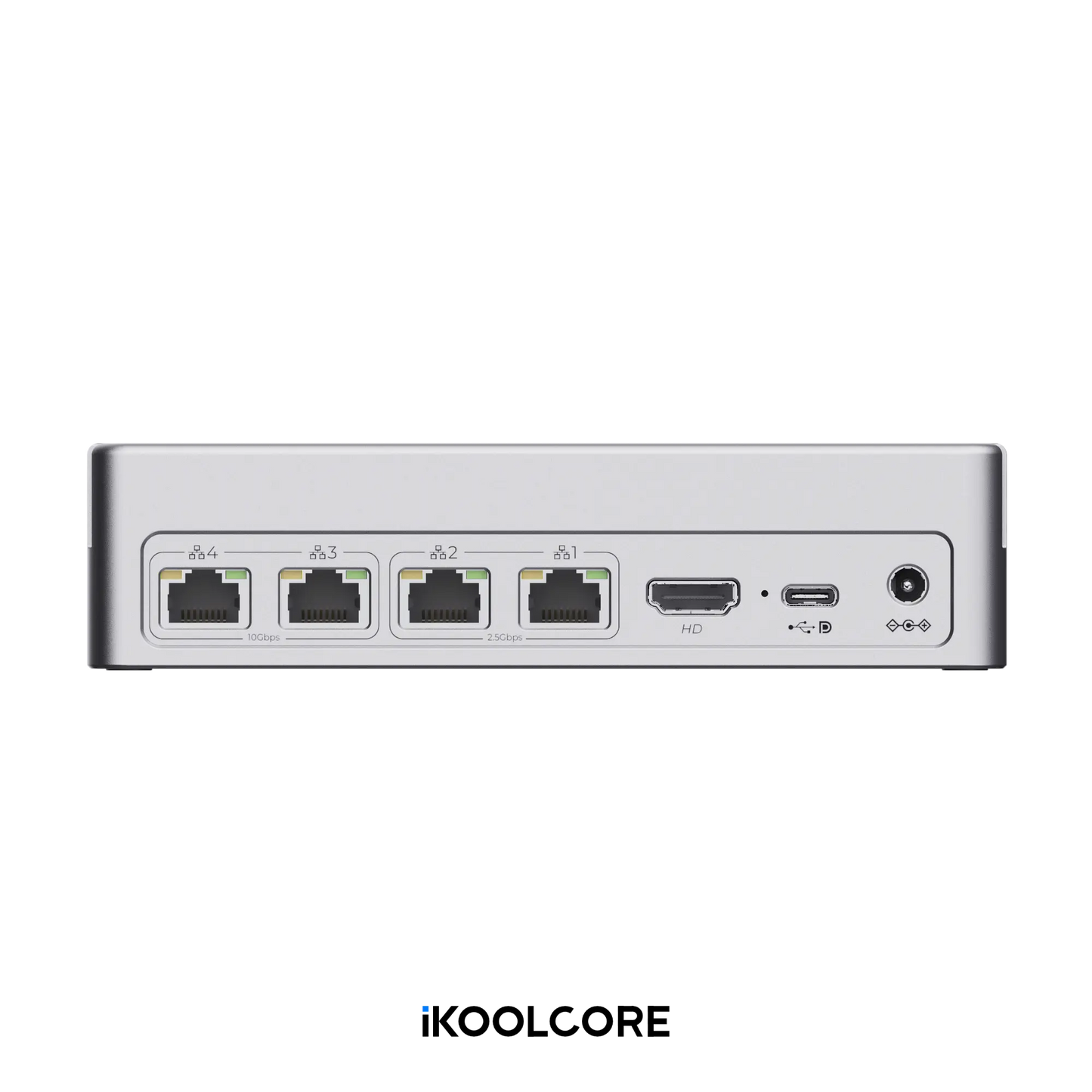
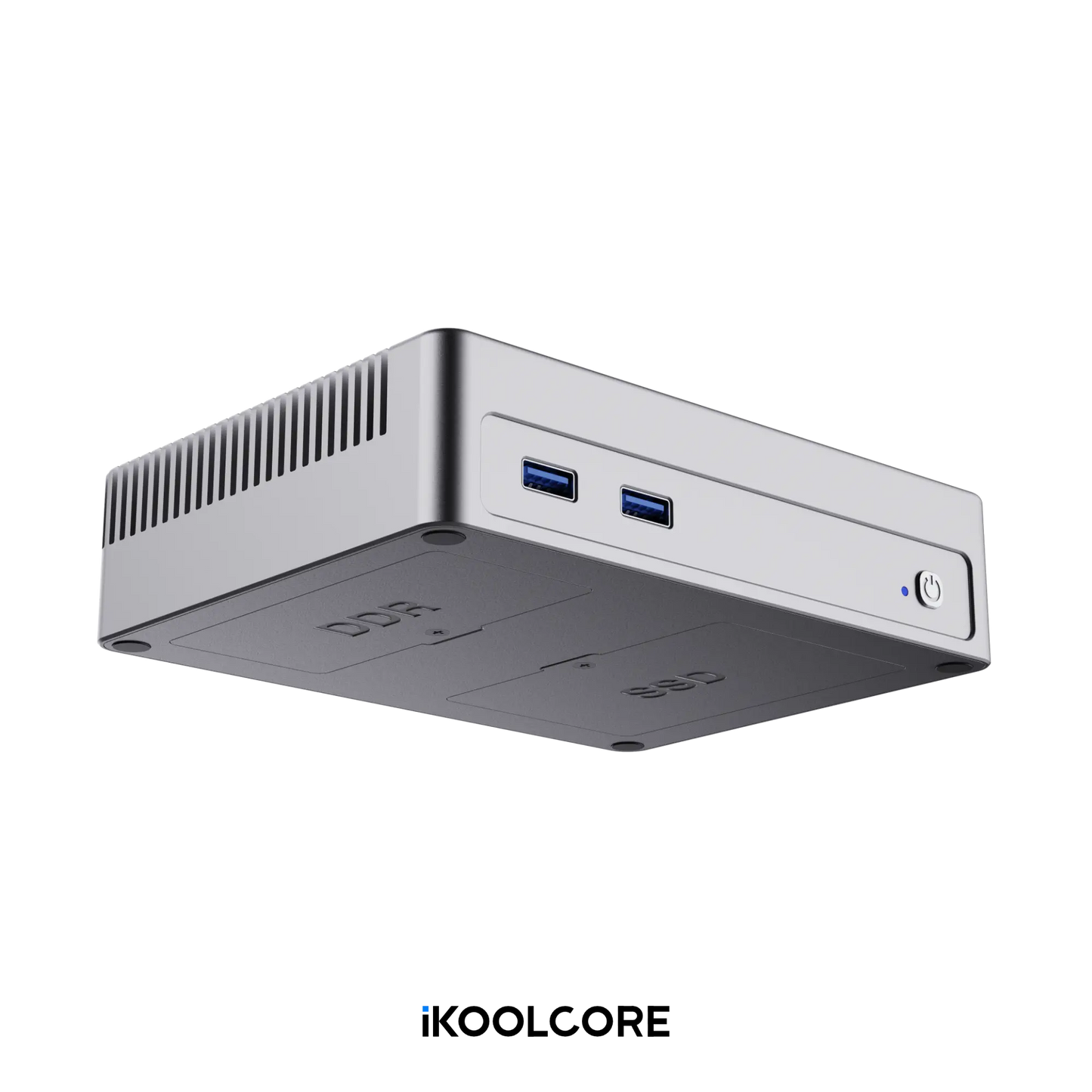
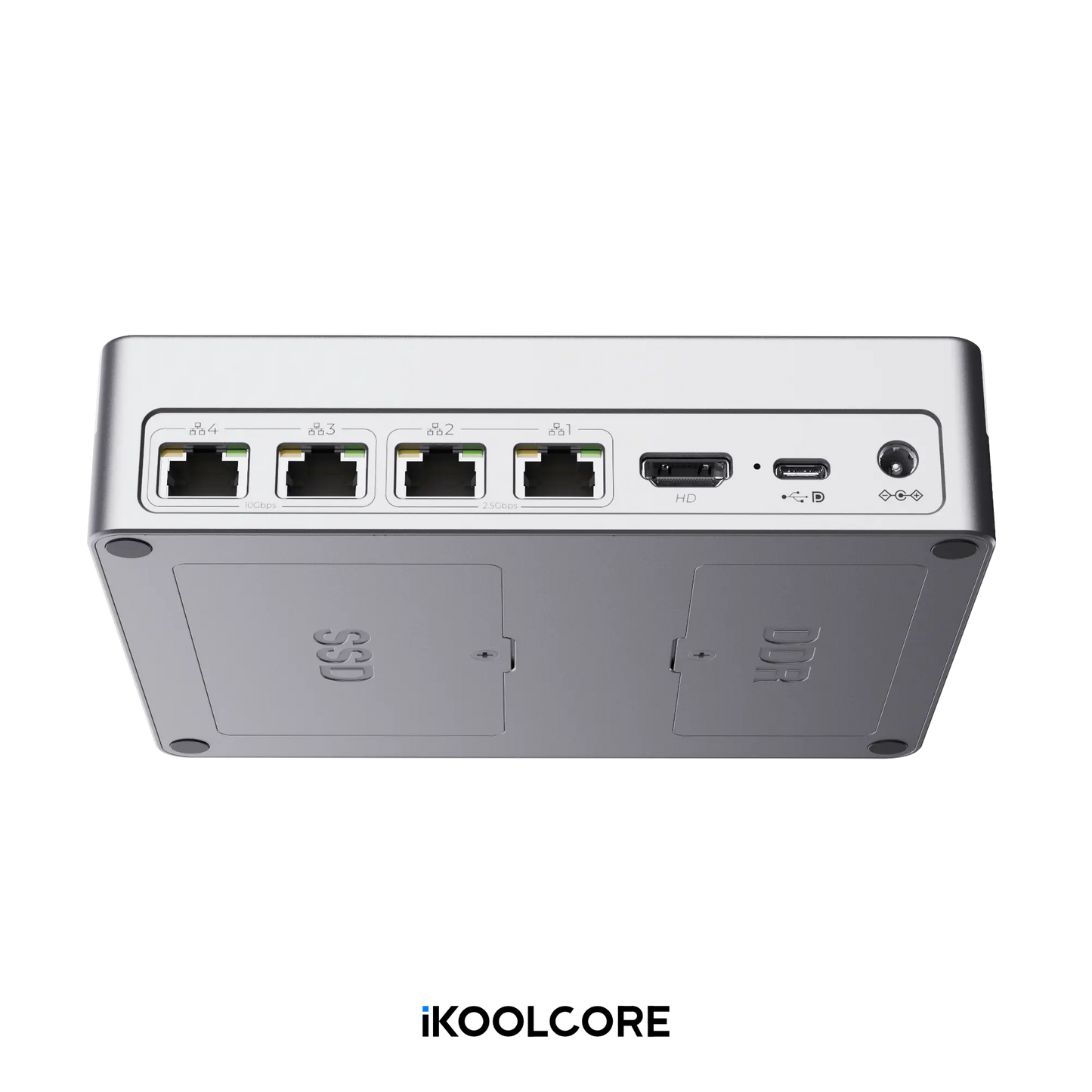
- R2 Max equipped with two 10GbE ports and two 2.5GbE ports. Super Cool device for Power Users as a Proxmox VE host & Firewall.
Couldn't load pickup availability
-
Country of origin
China
-
Processing time
3-5 Business Days
-
Warranty
One-Year Limited Warranty
-
Shipping
Calculated at checkout Shipping policy
-
Returns
Notify me when it's back in stock
This option is currently sold out. Enter your email and we'll let you know as soon as it's available again.
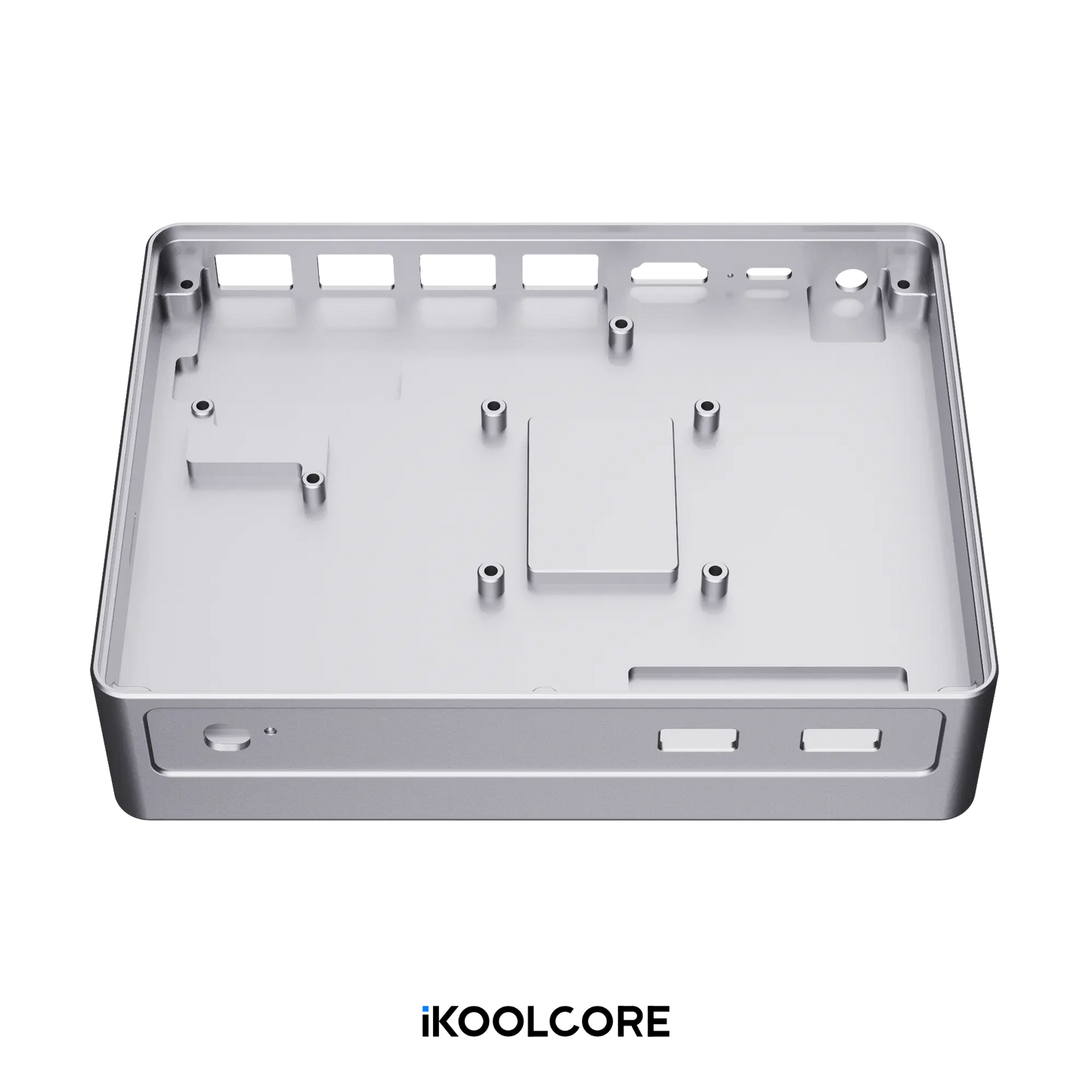
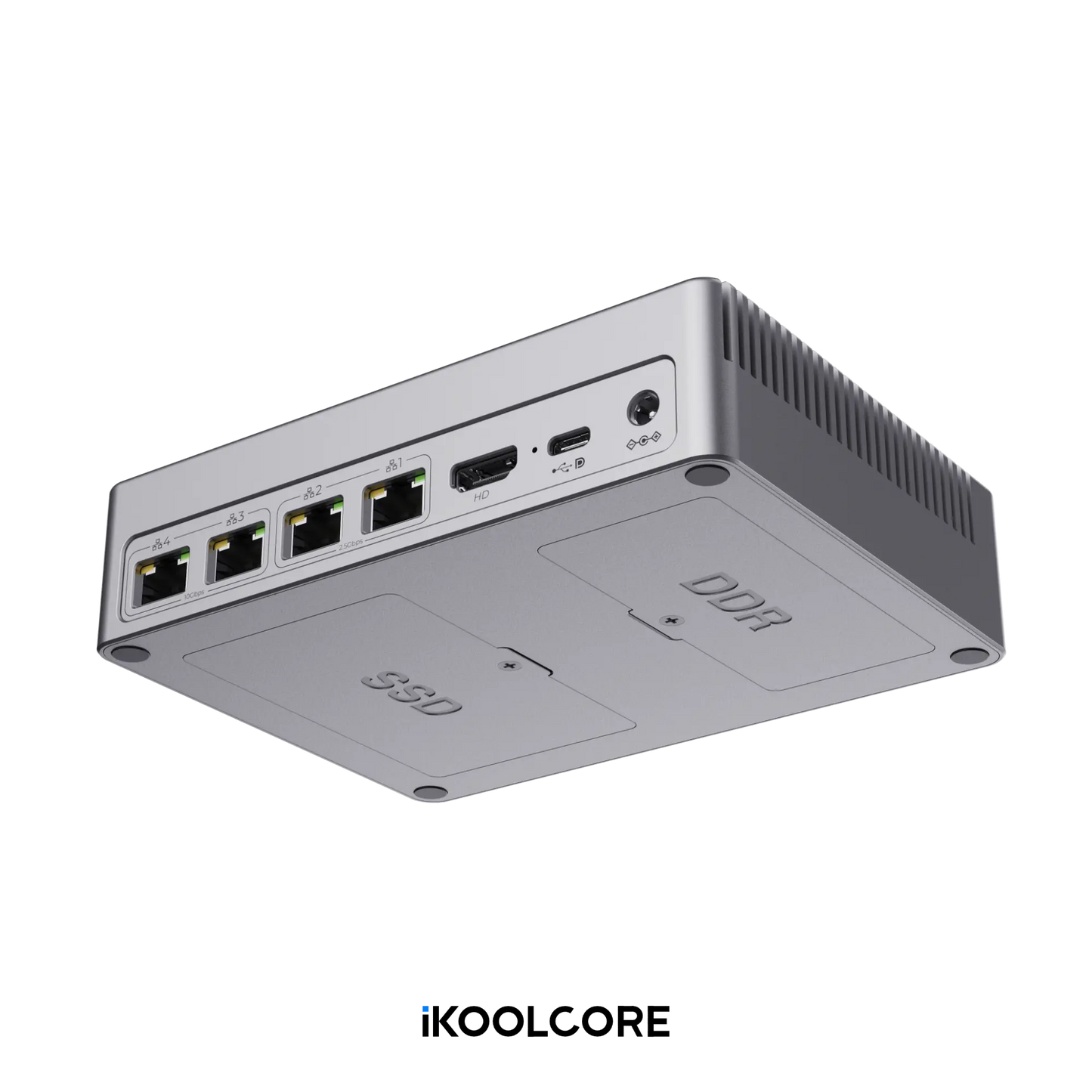
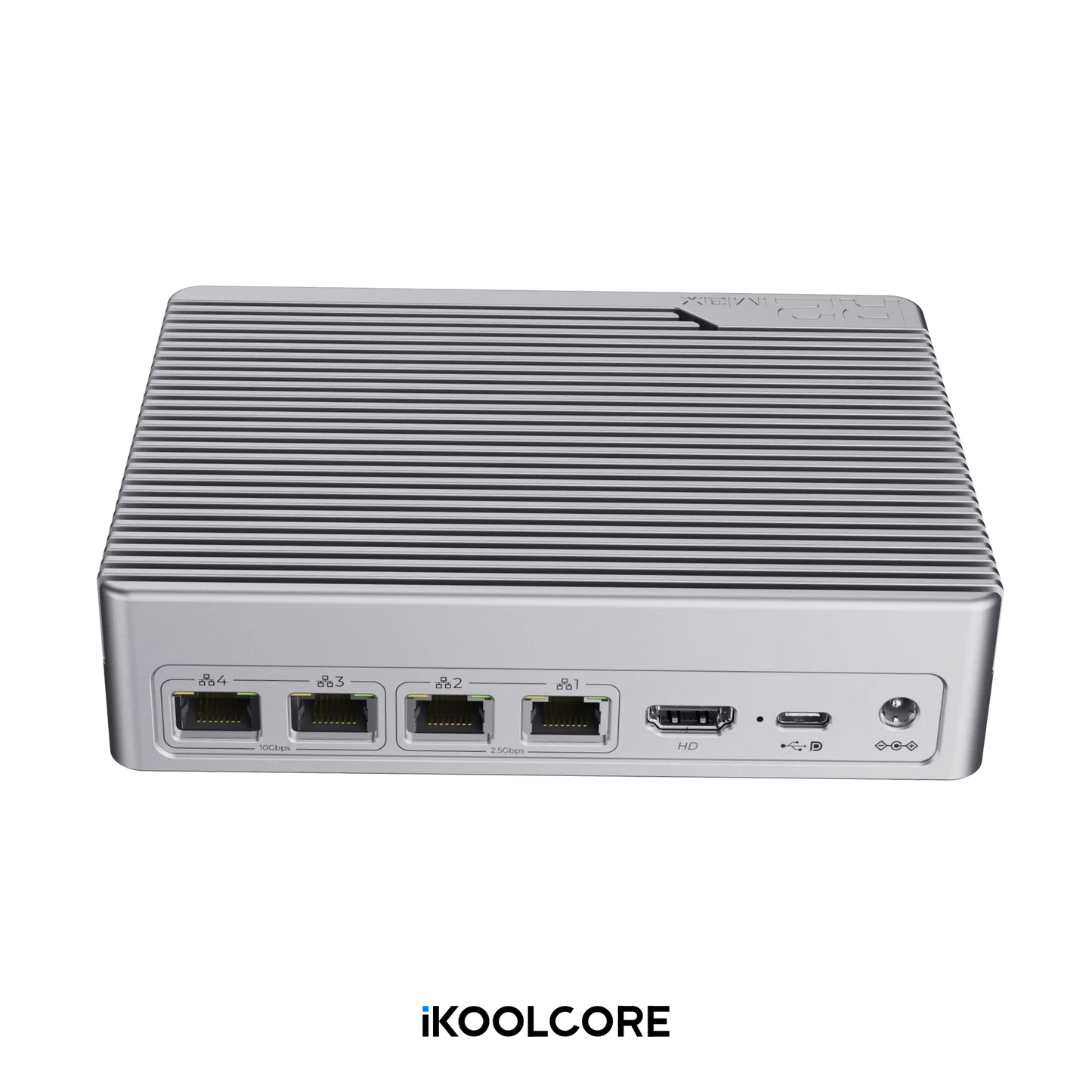
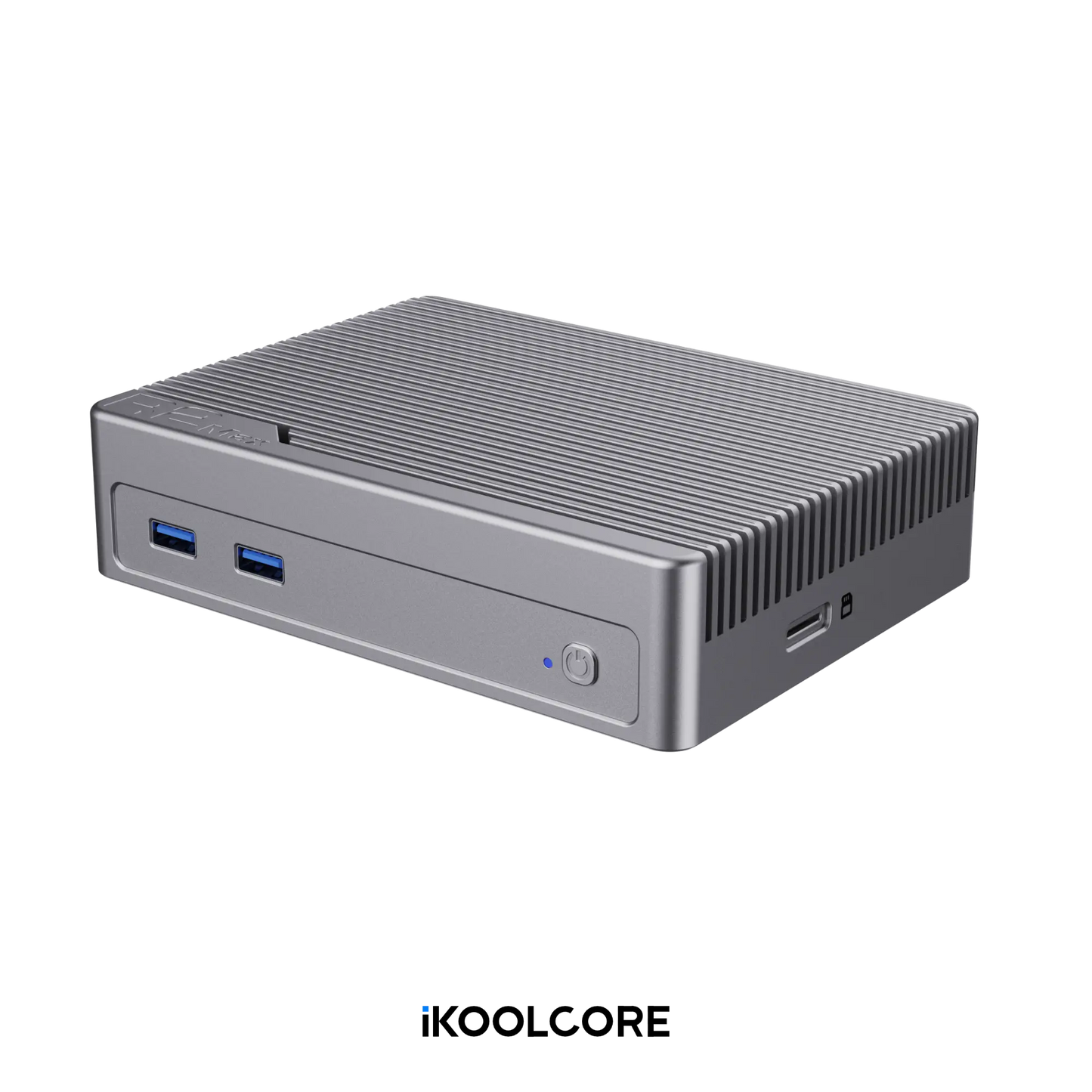
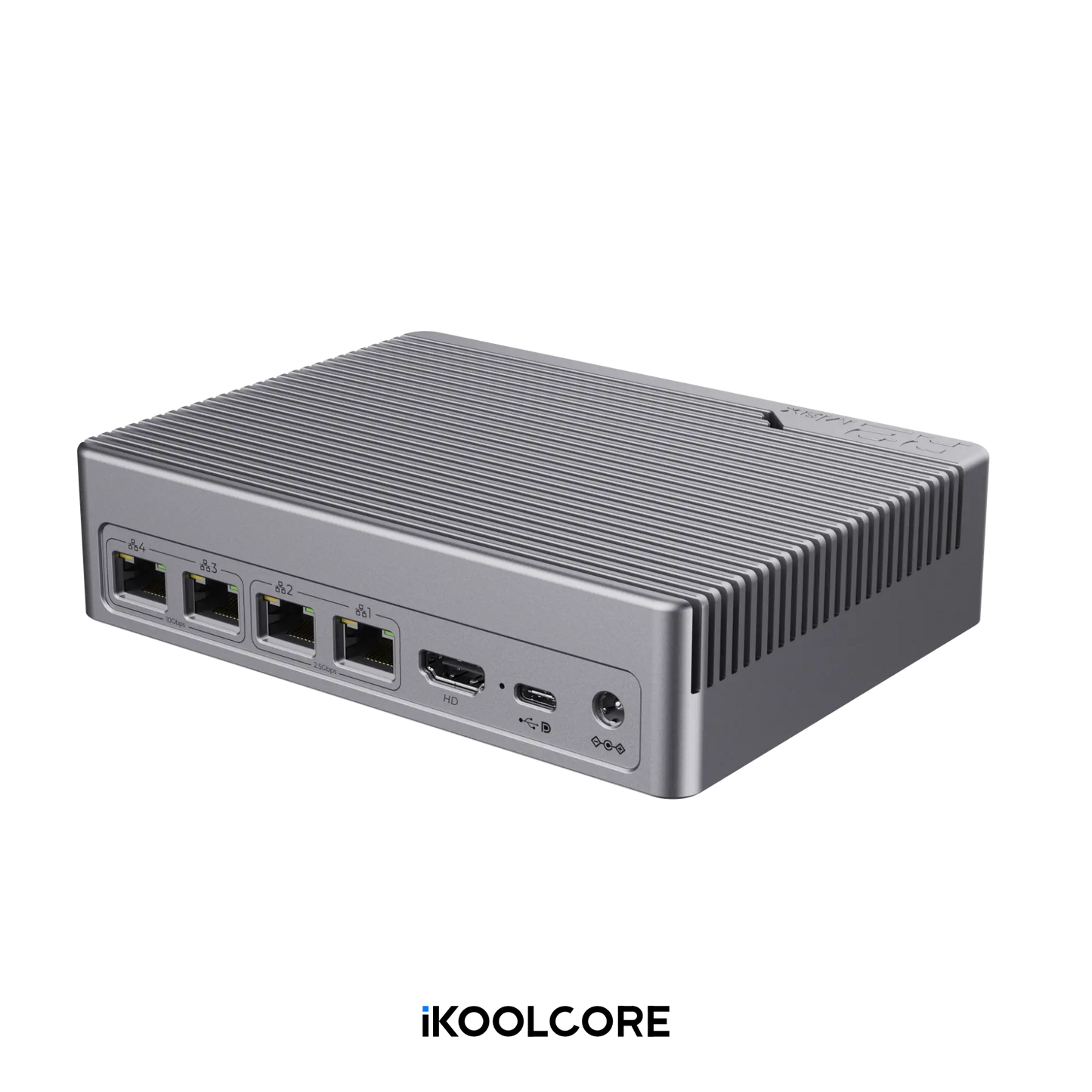
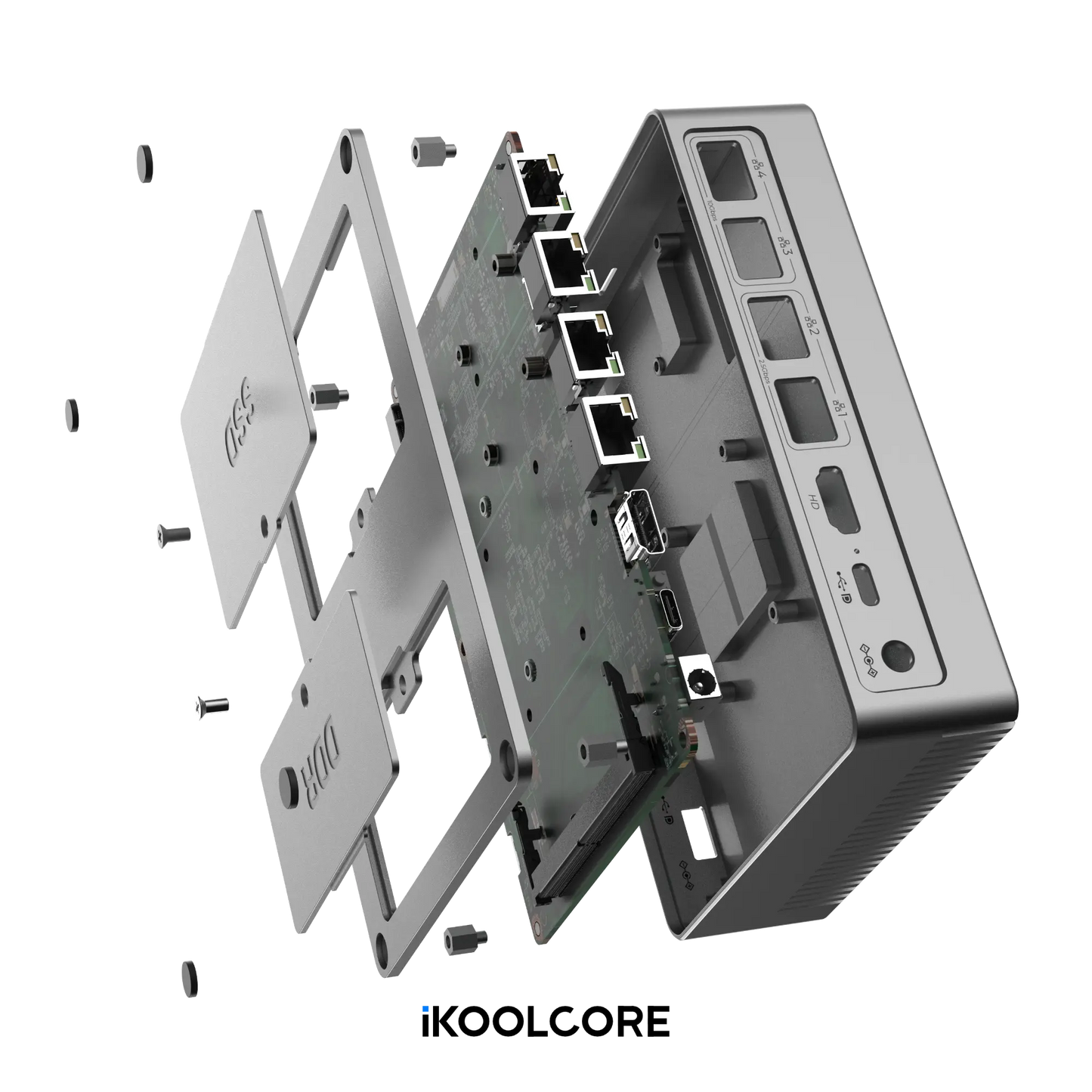
| CPU Models |
Intel N150 – Energy-efficient performance Intel Core i3-N350 – Optional upgrade for enhanced multitasking |
|---|---|
| Memory |
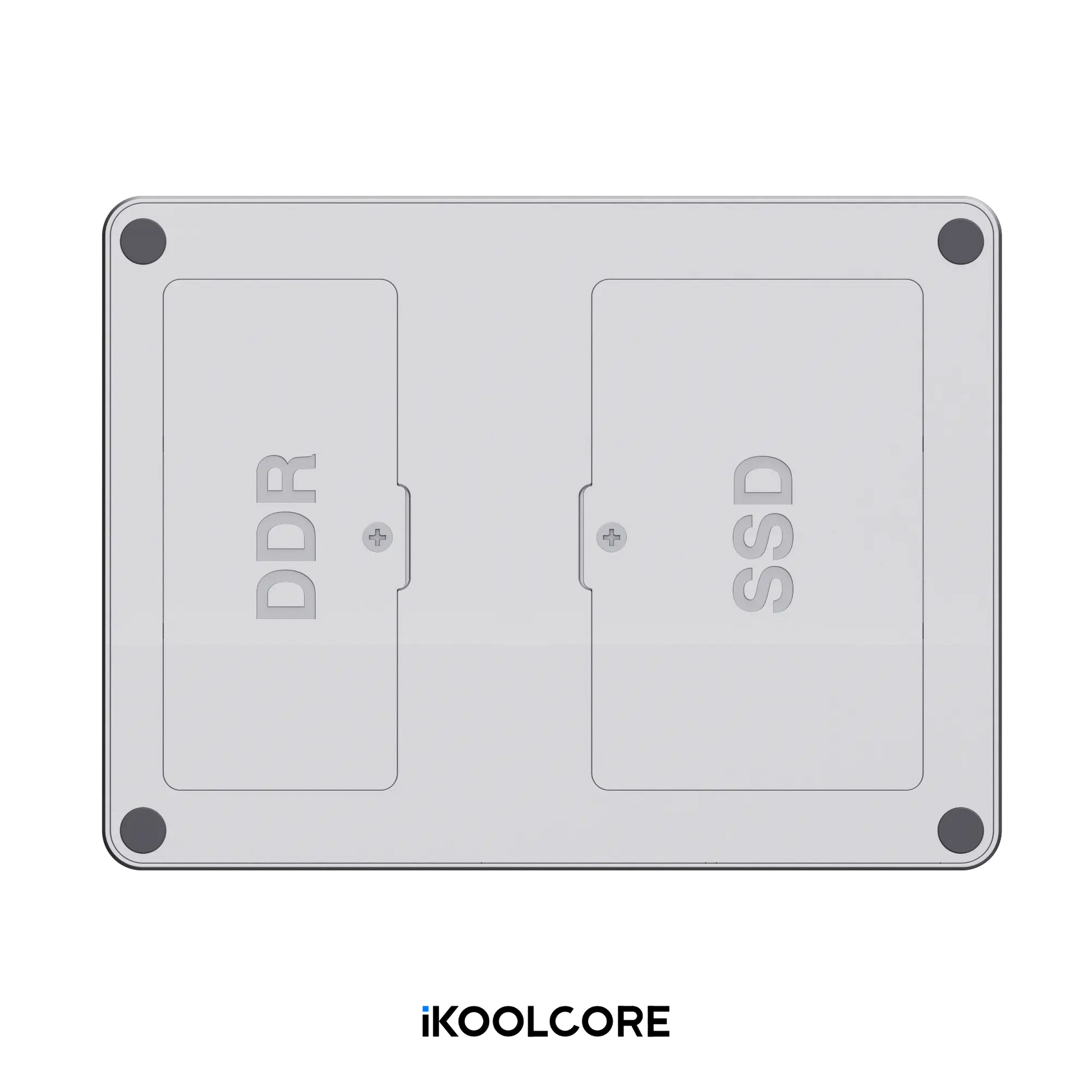
Single-channel, single-module DDR5-4800 SO-DIMM Available configurations: 8GB or 16GB Maximum supported capacity: 32GB Intel officially supports up to 16GB. Based on our testing, Samsung memory modules are recommended for higher capacities, including 32GB, 48GB, and 64GB. Actual compatibility may vary. |
| Ethernet |
2 × Marvell AQC113C-B1-C 10GbE ports (PCIe 3.0 x2) 2 × Intel I226-V 2.5GbE ports (PCIe 3.0 x1) |
| M.2 Storage |
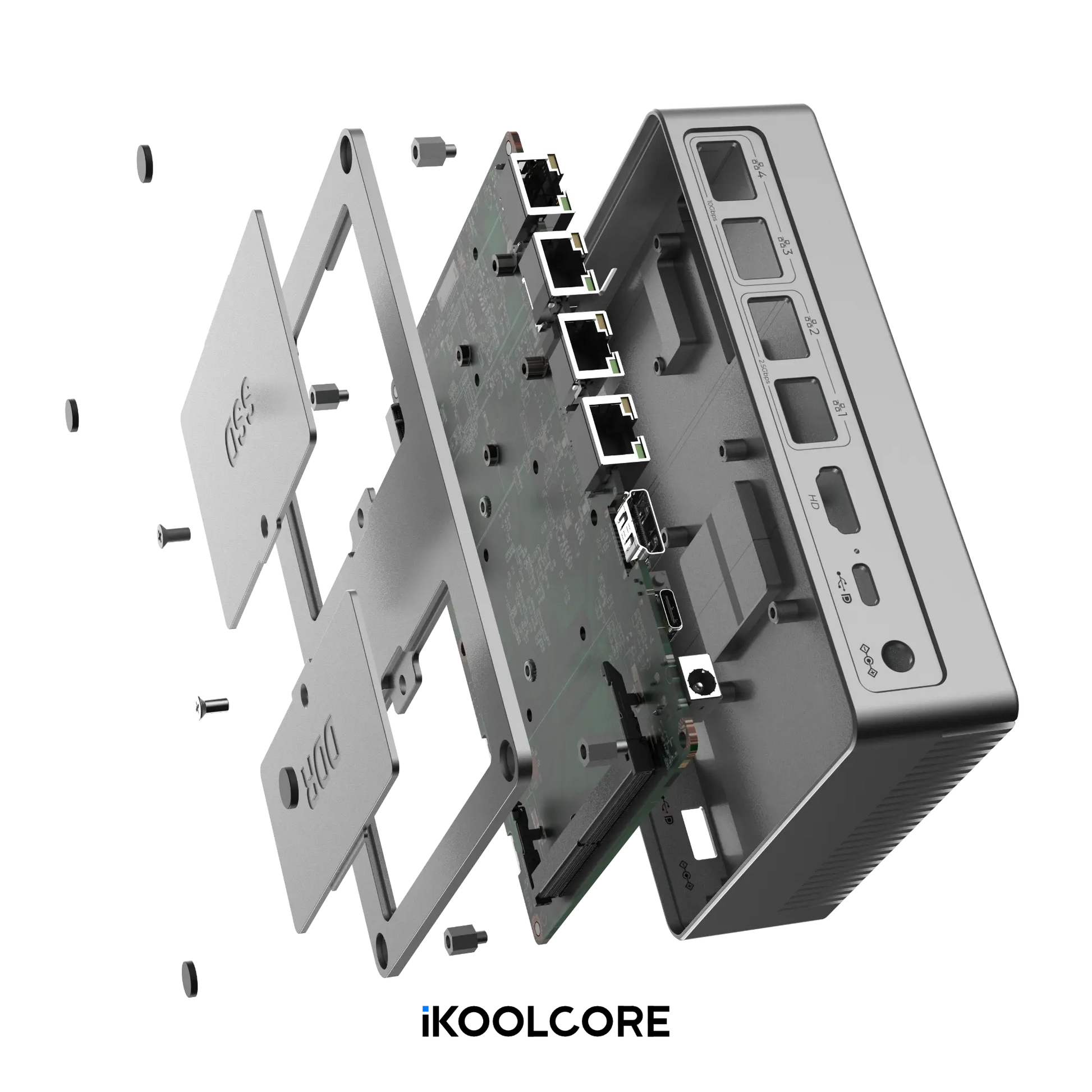
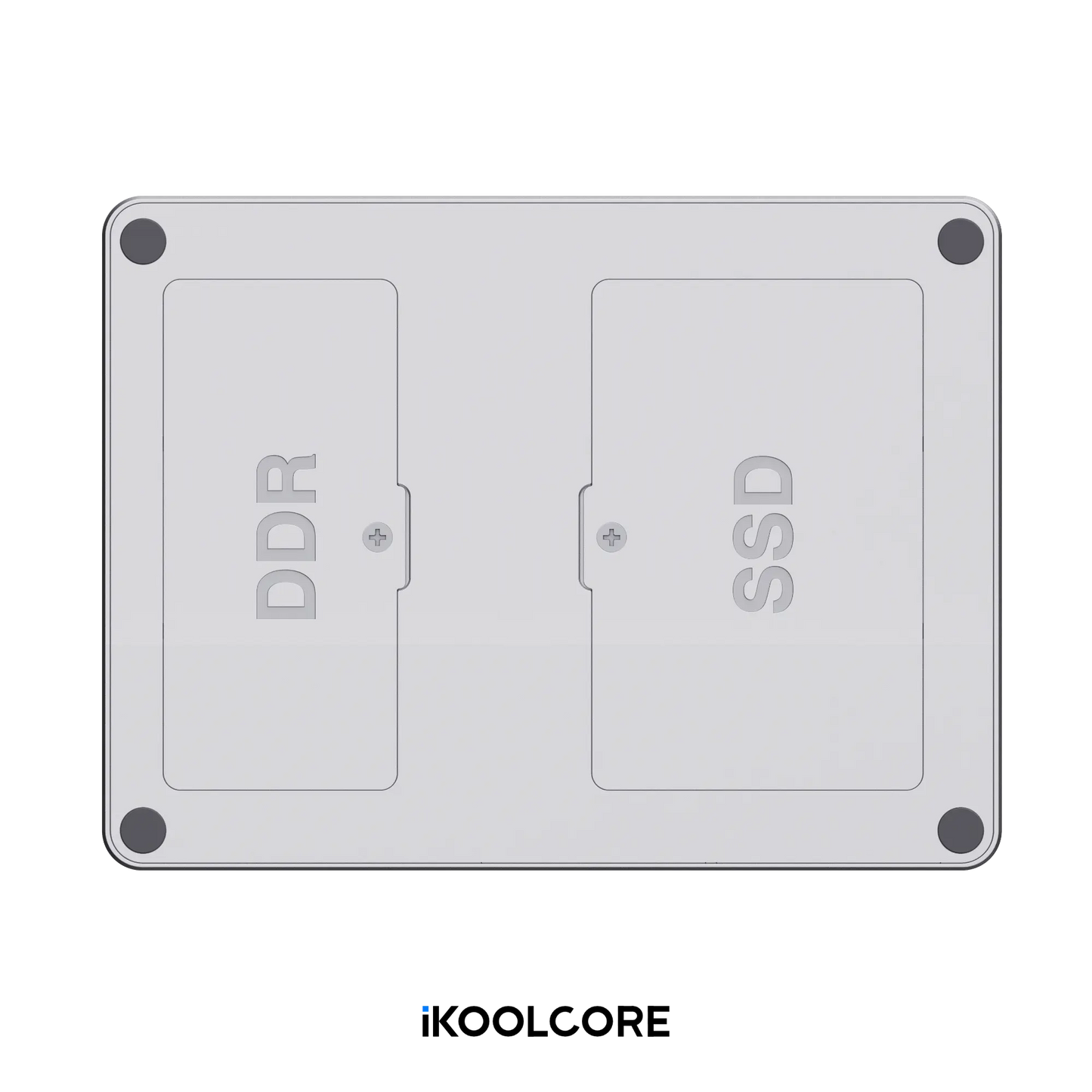
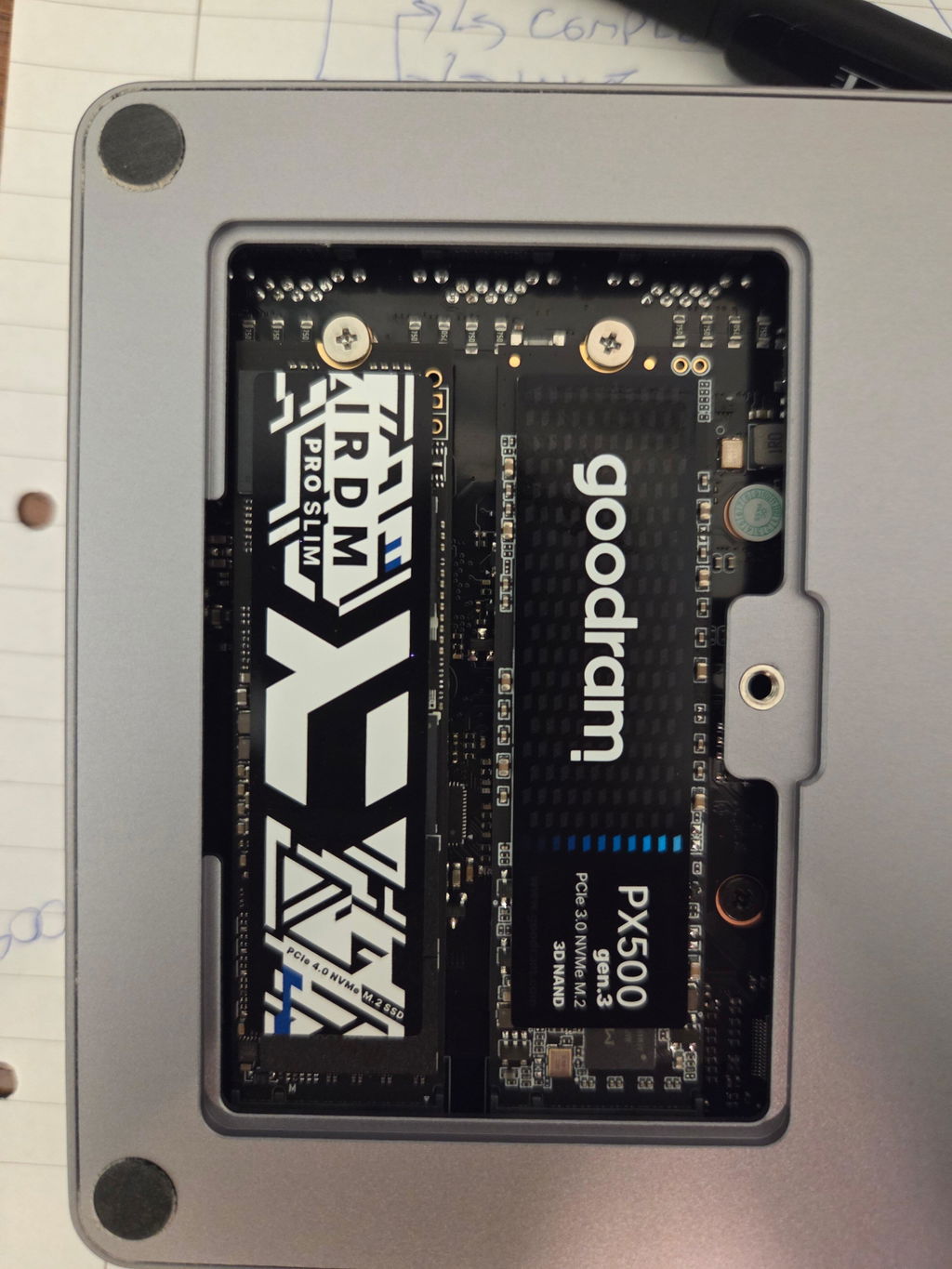
2 × M.2 2280 NVMe SSD slots PCIe 3.0 x1 per slot Supports SSDs up to 8TB per slot |
| TF Card |
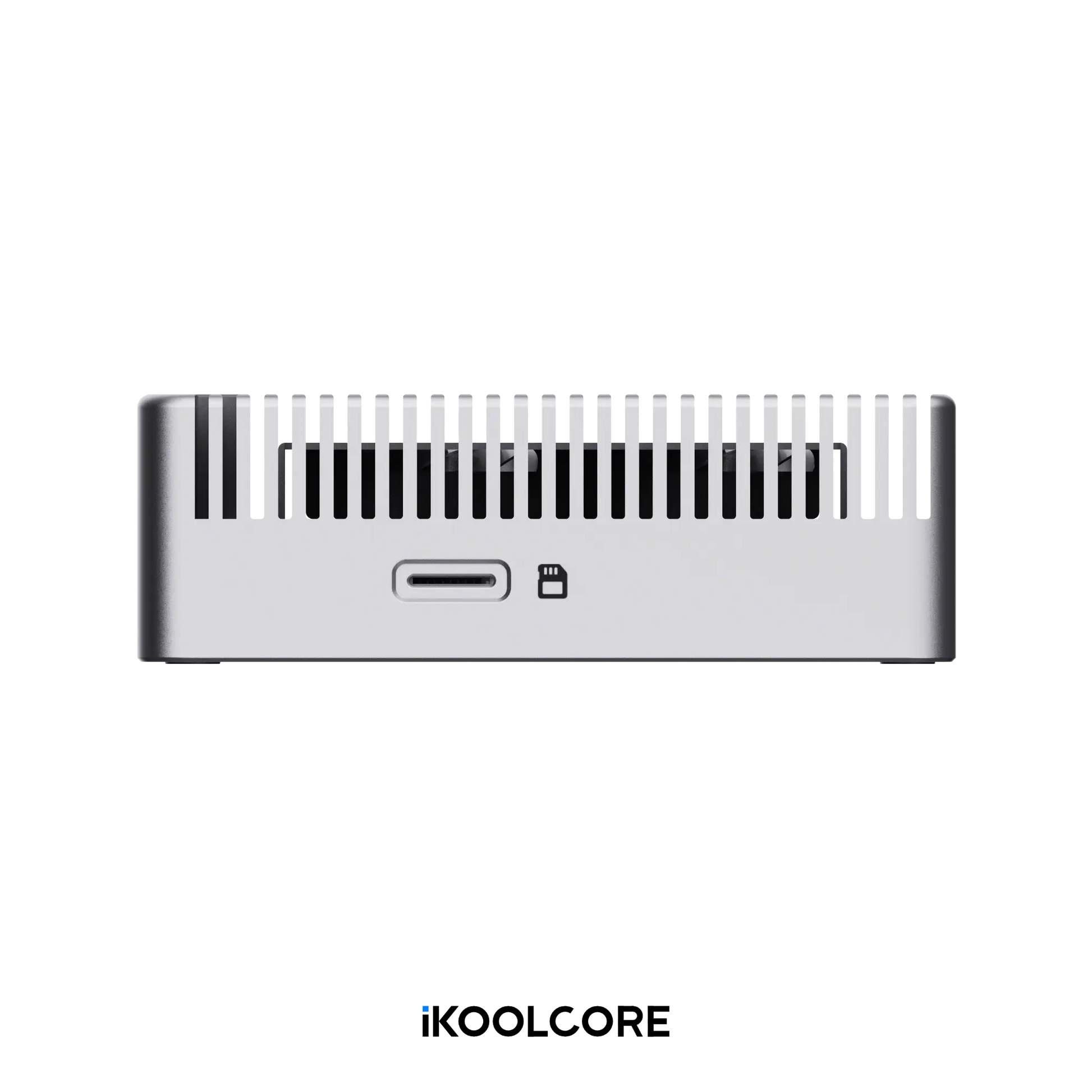
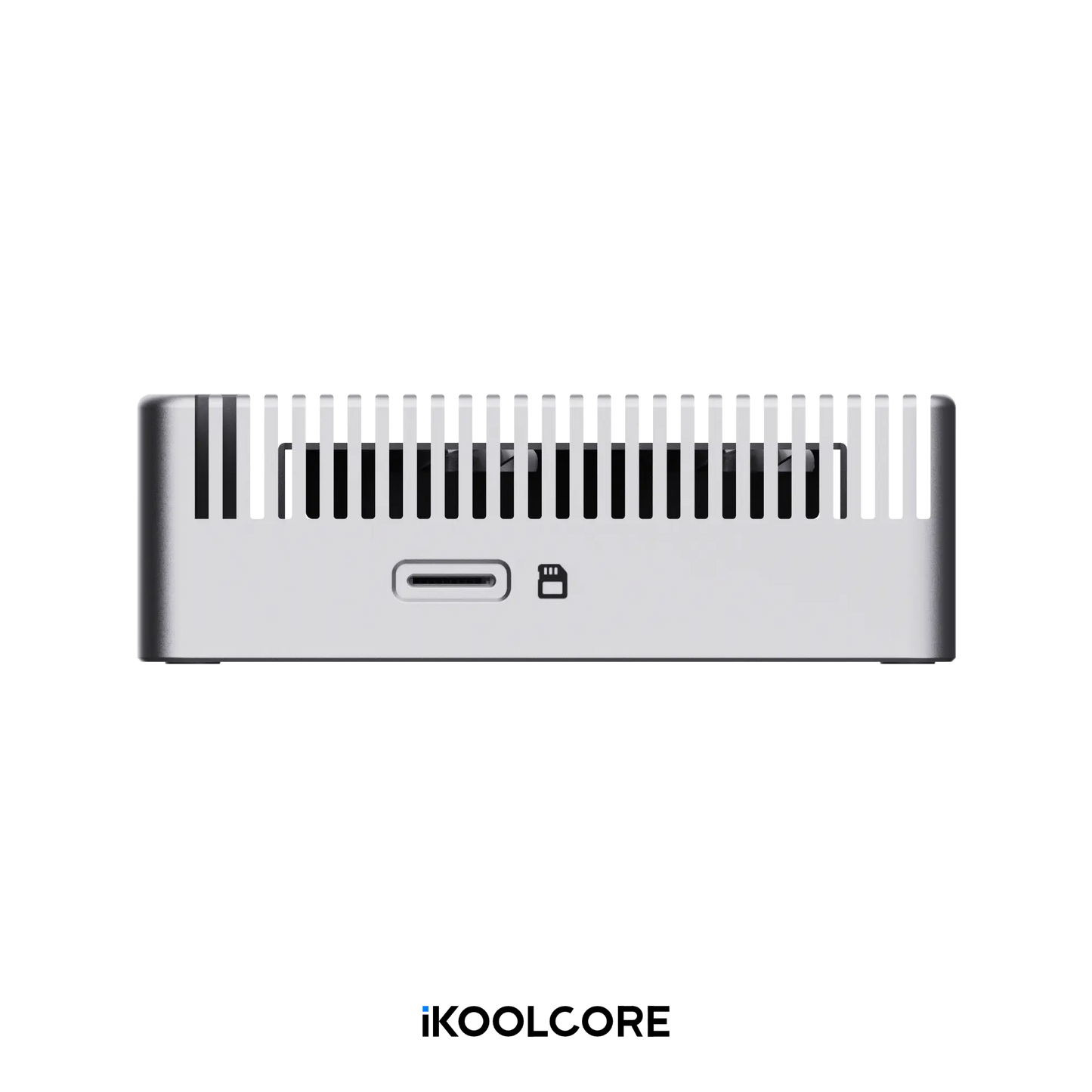
1 × TF card slot for additional storage Supports Linux boot |
| USB |
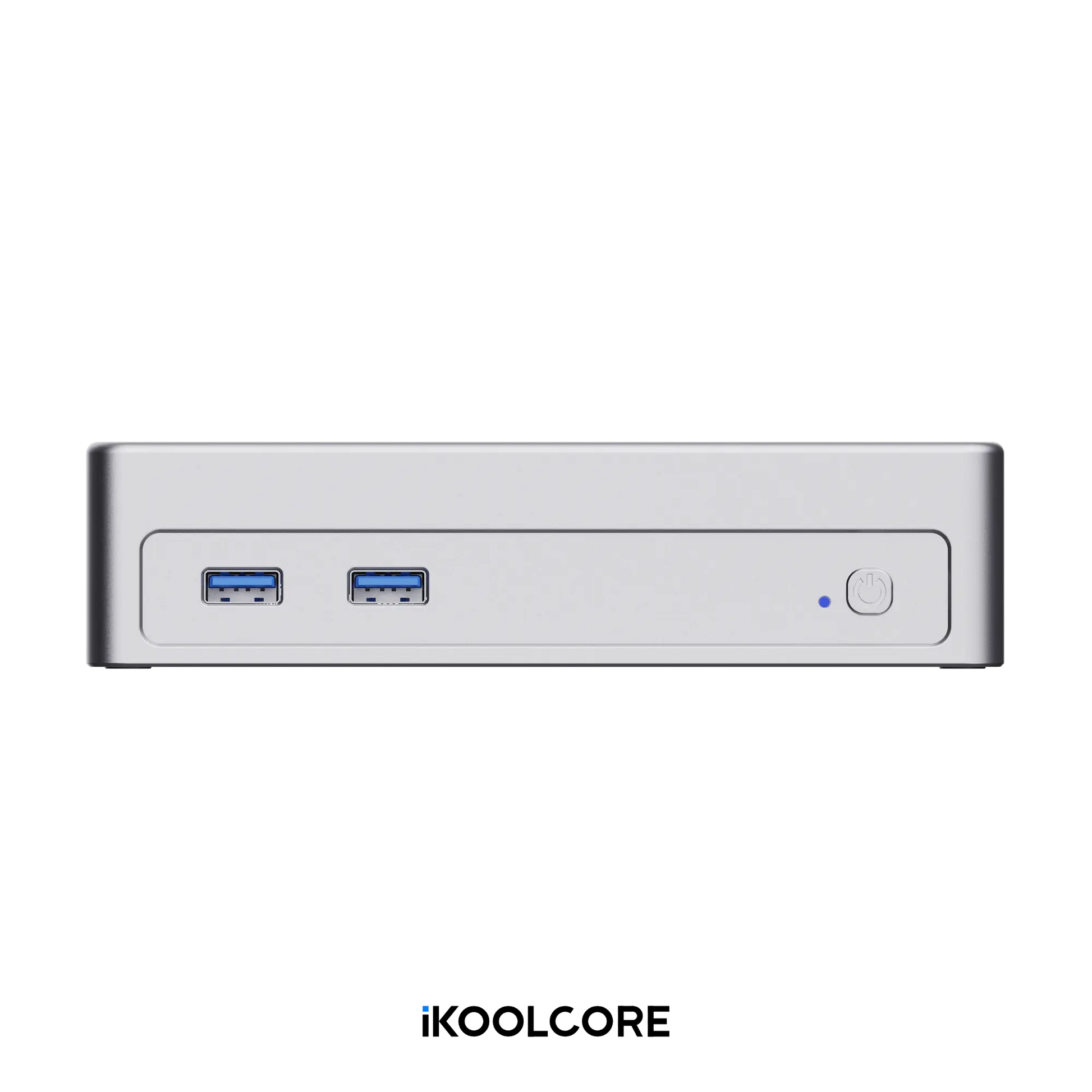
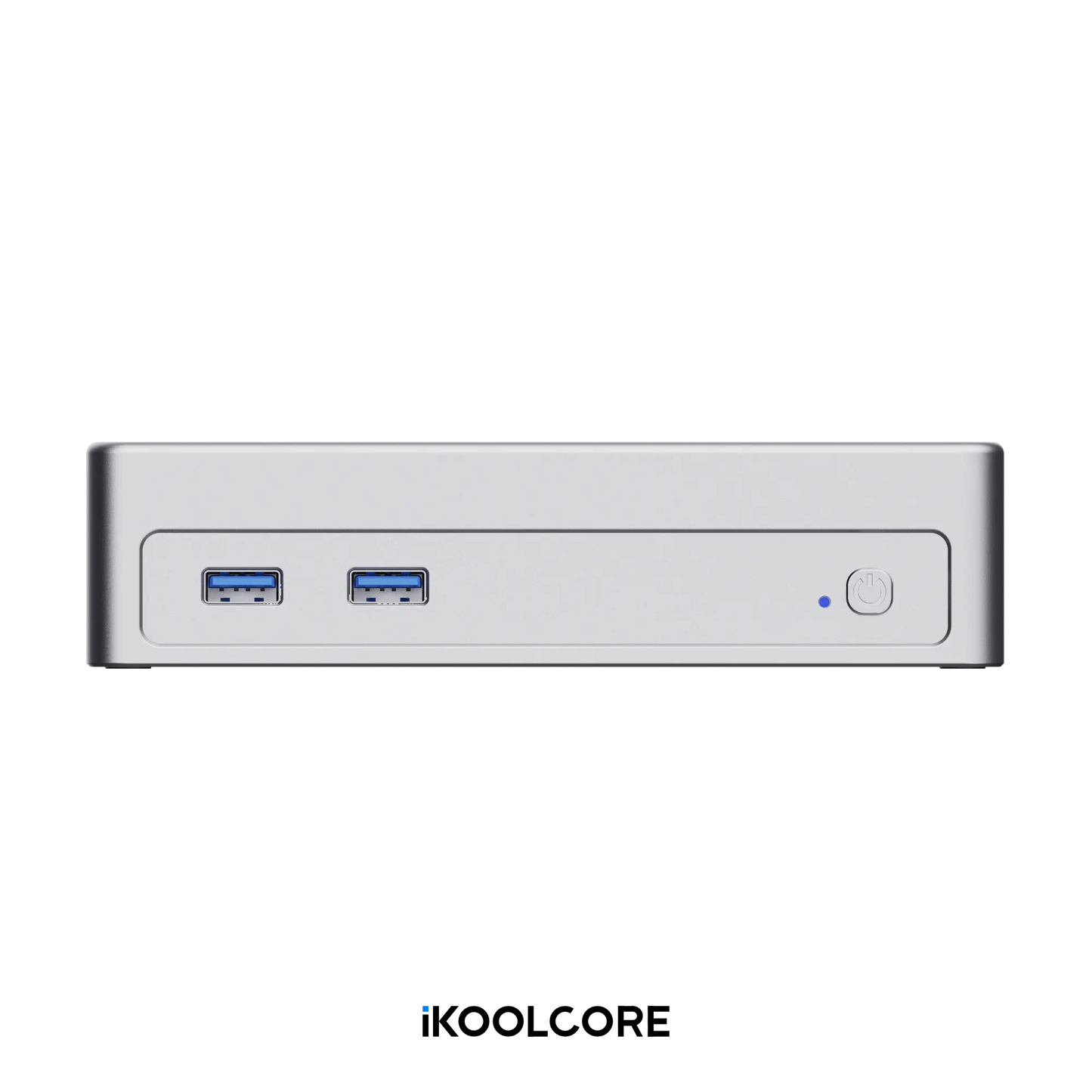
2 × USB 3.0 Type-A (up to 5Gbps) 1 × USB Type-C (up to 10Gbps) |
| Display |
1 × HDMI 2.1 1 × eDP 1.4 (via USB-C) Supports resolutions up to 4K at 60Hz |
| Cooling |
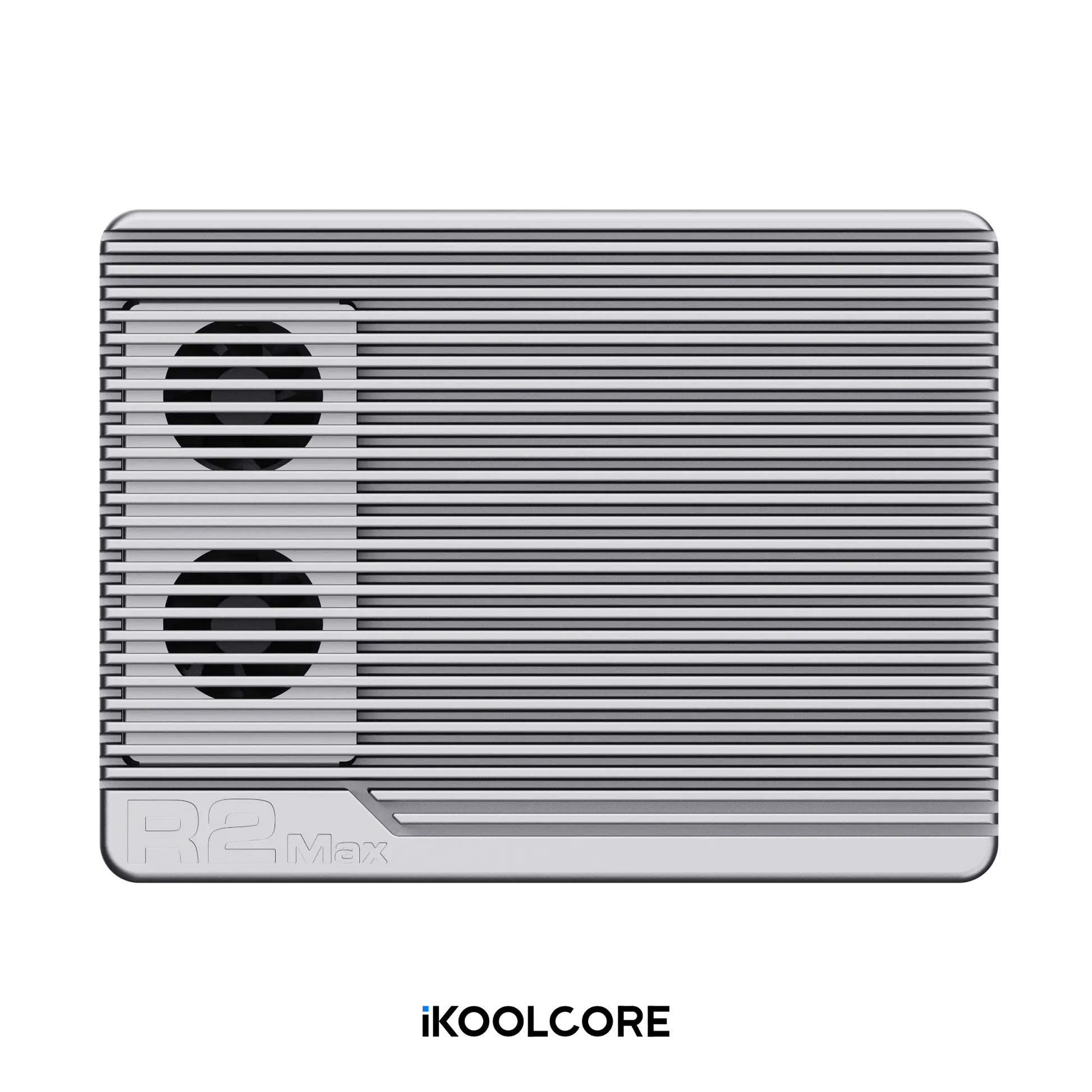
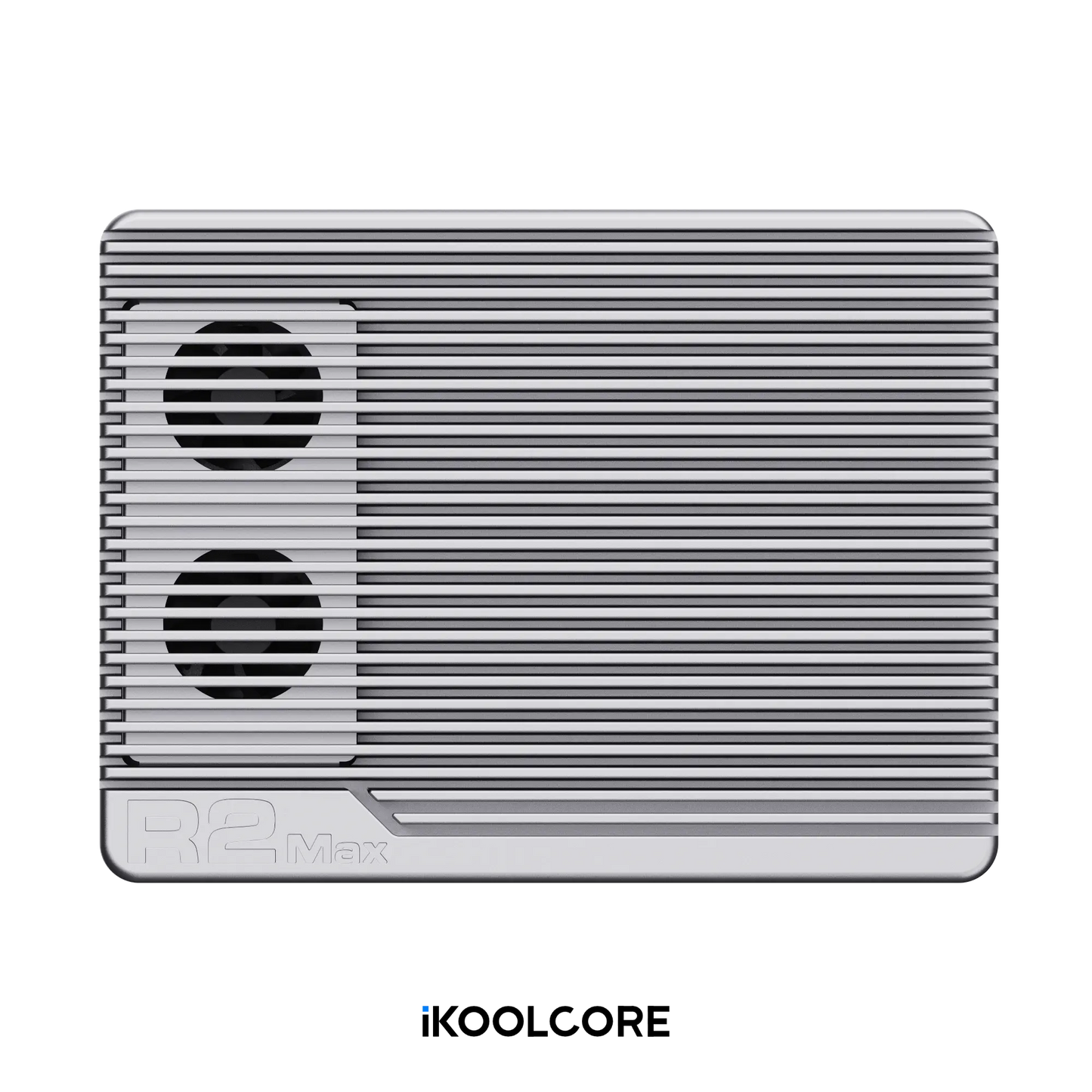
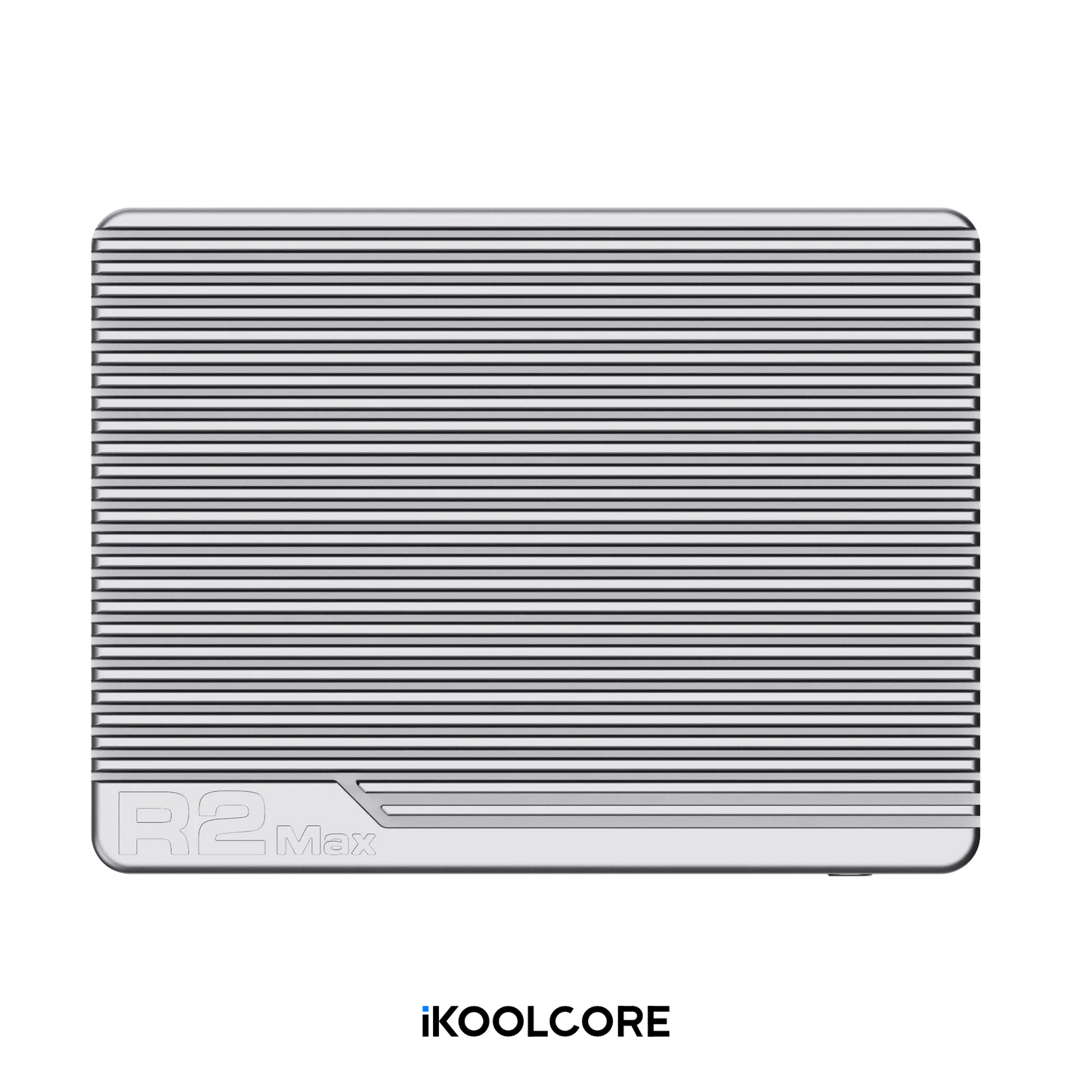
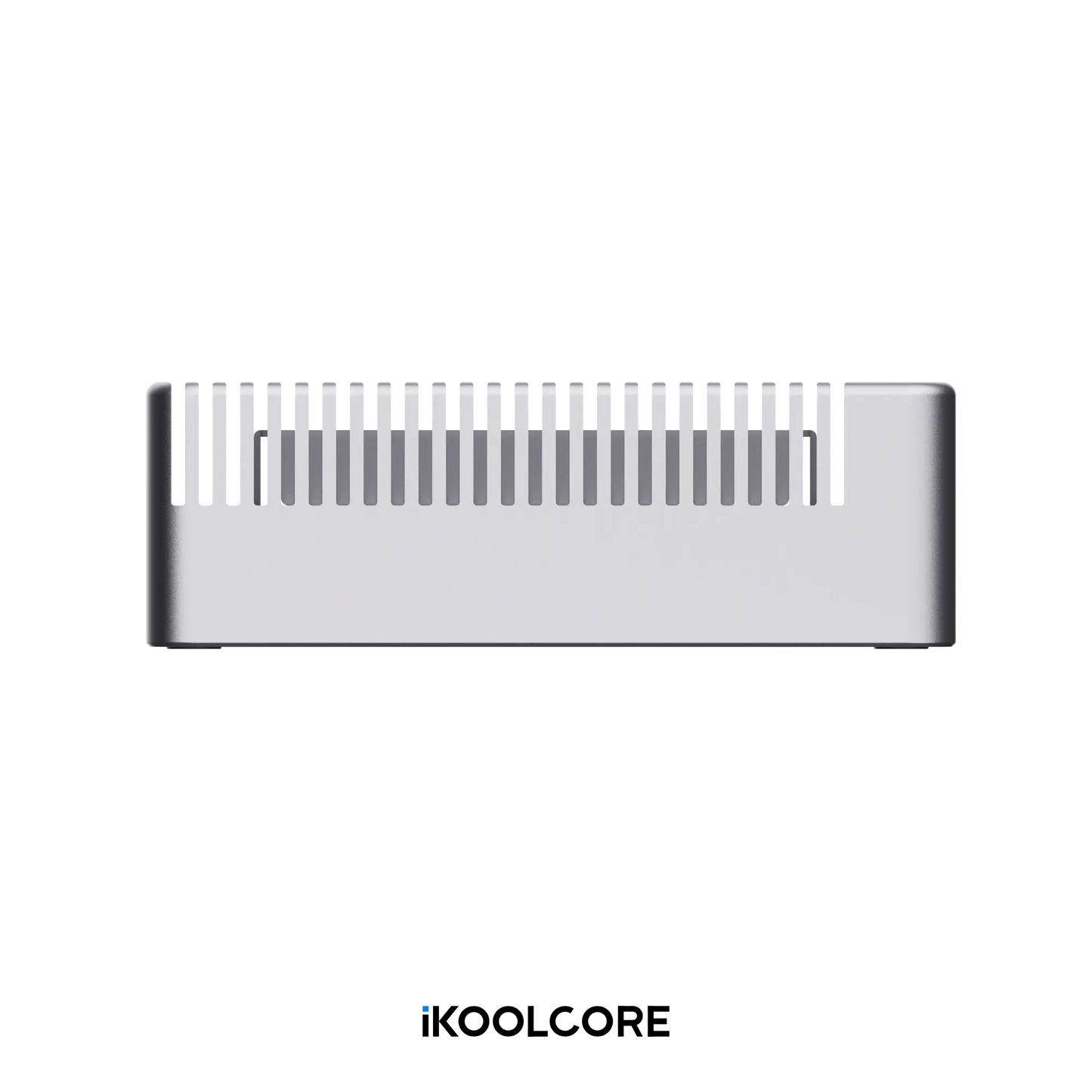
Full-copper heatsink design PWM-controlled fan with intelligent temperature management |
| BIOS |
AMI EFI BIOS Auto Power-On, Wake-on-LAN (WOL), and PXE Boot |
| Power Supply |
DC input: 12–19V Power adapter: 12V 4A or 19V 6.32A, depending on configuration Power plug type varies by country or region |
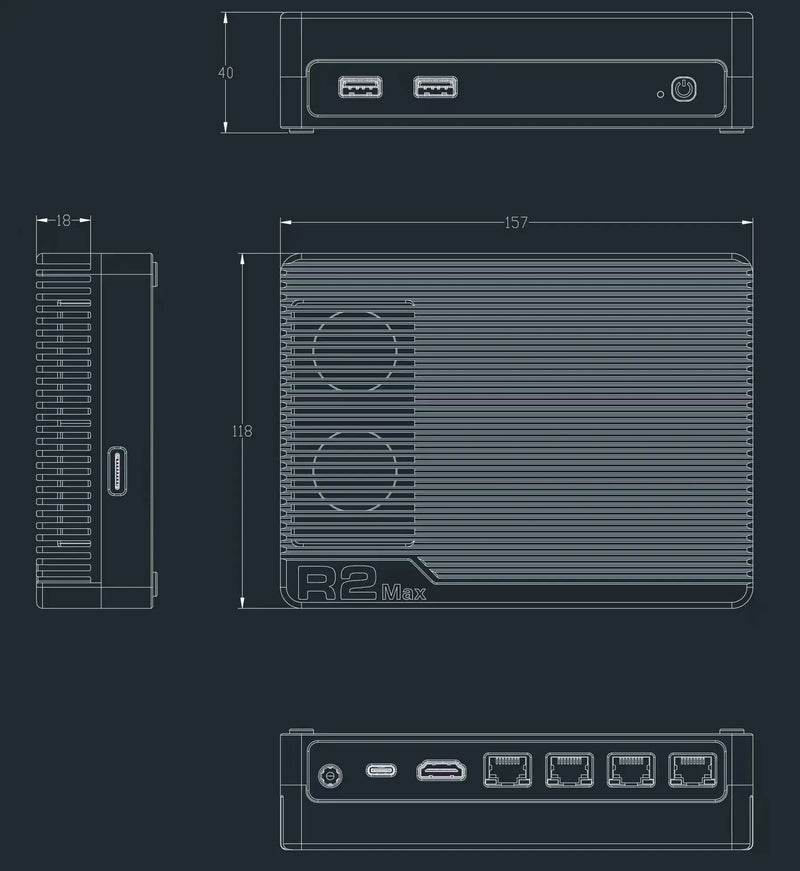
| Dimensions | 15.6 × 11.8 × 4.0 cm (6.14 × 4.65 × 1.57 in) |
| Weight |
Net weight: 1,050 g (2.31 lb) Packaged weight: Approx. 1,550 g (3.42 lb) |
| Supported Operating Systems | Windows, Linux, pfSense, OPNsense, OpenWrt, Proxmox VE, VMware ESXi, Unraid, and more |
| Documentation | Product Documentation |
- R2 Max Device × 1
- Power Adapter × 1
- User Manual × 1
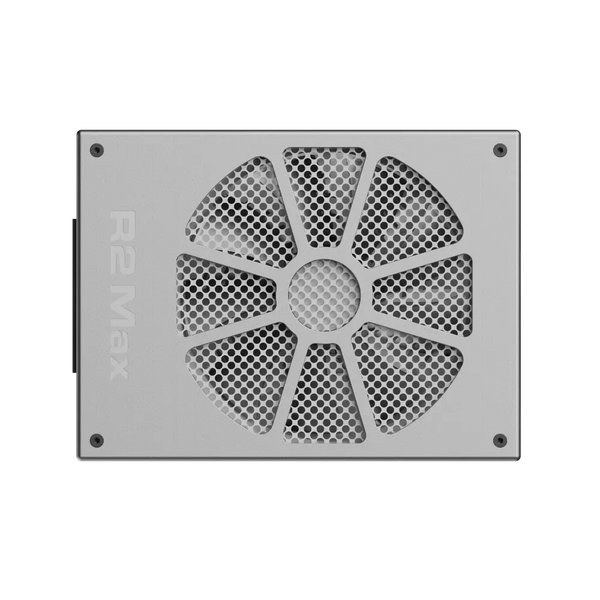




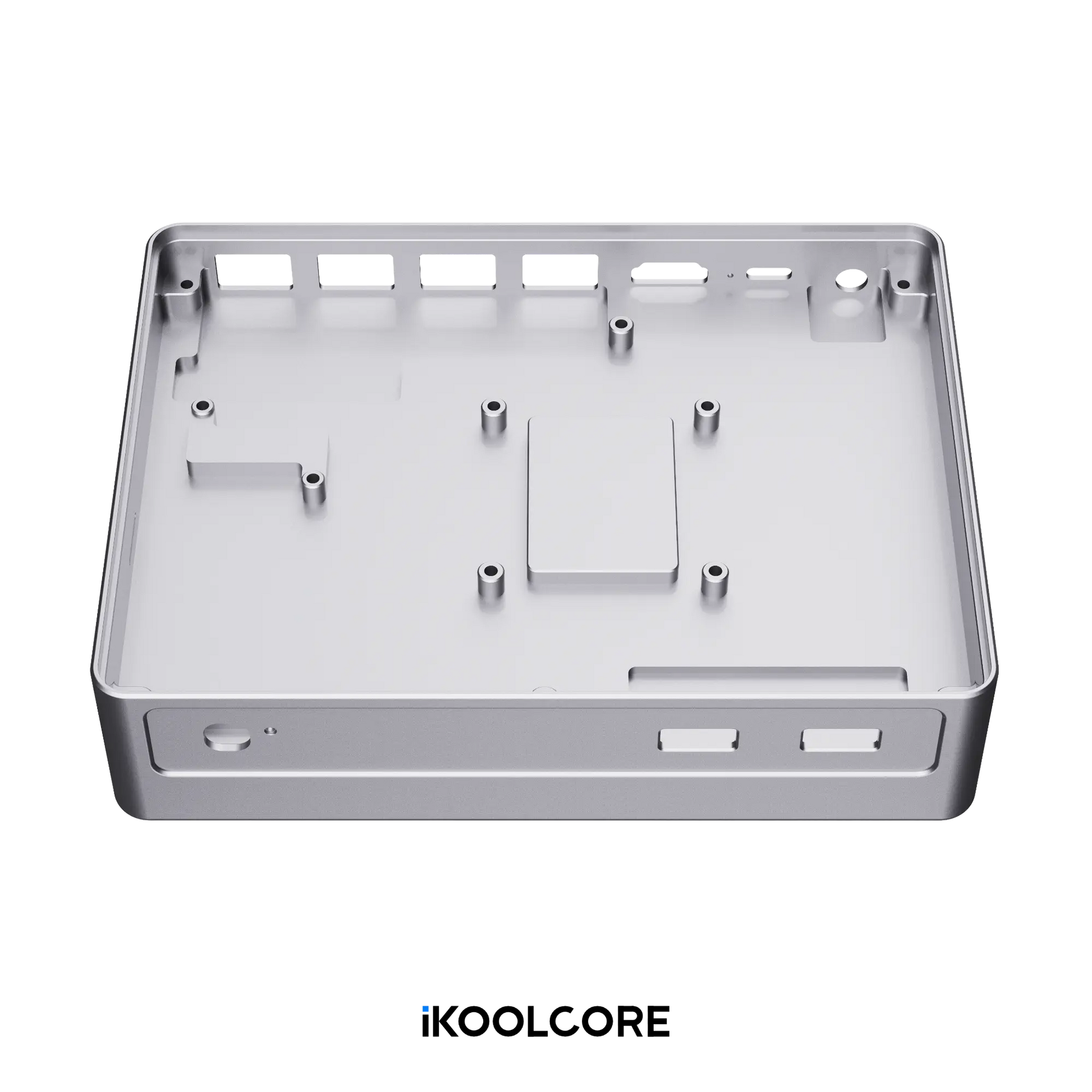
Very fast response, fast delivery, price acceptable, but quite pricey, although parameters are top. I've bought n305 without fans (this small ones), case is ascetic, very high quality machined, heavy and looks and feels very good. Parameters are not questionable, bios is very advanced. I'm a bit advanced, but there are some settings that I don't understand. The thermal management is great. With a placement of 120mm fan out side with very slow speed I'm having below 30-35degC temperatures all the time (low cpu usage). There is even a thermal pad on the back of the lid for hole for m2 disks to cool them better :o. Very very happy with that new gear. Hope that it will work for many years like my old home lab. Thank you guys. You are doing great hardware.
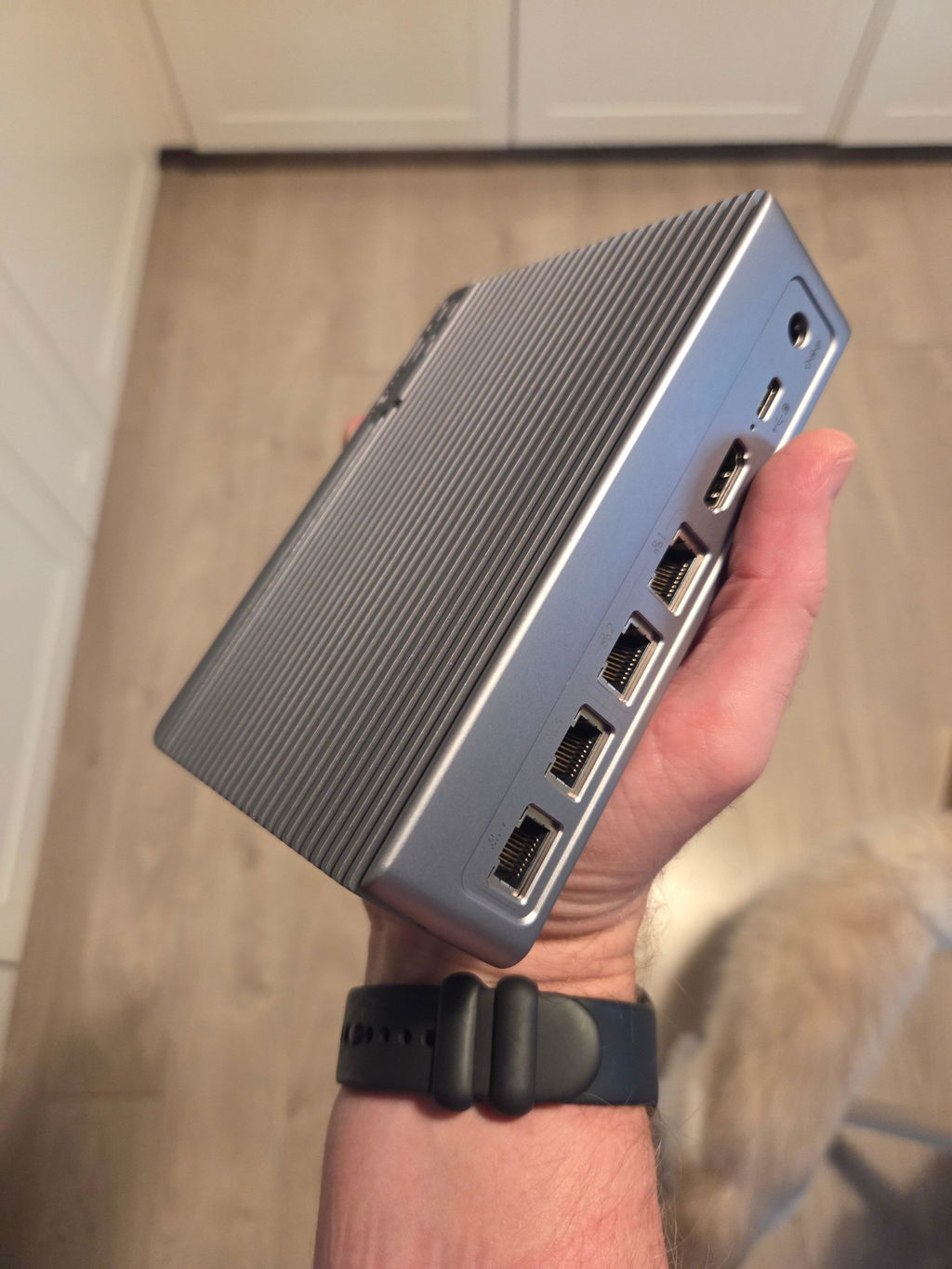
Got the N150 version of the R2 Max. Fast shipping to the US (under 7 days). Running OpenWrt, this device is a perfect low power managed switch/router/firewall/NAS/lxc host. The device uses around 12 W idle (total measured at the wall). Mine has 16 GB DDR5-5600 and a 2TB SSD booting off TF with all four ports connected. Runs cool (CPU idles 40-42C with room temp being around 18C) and is silent. Well built and designed. Love the 2.5GbE (I do not have 10 GbE hardware).
The N150 has more than enough processing power to run QoS at my ISP's symmetrical 1G/1G line. Beyond routing/firewall, the system is running as a NAS serving up NFS and samba4 as well as running several lxc containers (pihole, cups, mariadb).
As stated in the specs, the NVMe is only running at PCIe2.0 1x so don't expect blazing speeds from it. In my tests on a Samsung 970 EVO Plus 2 TB using iozone, getting around 370-380 MB/s write and read. Theoretical max for PCIe2.0 1x is 500 MB/s but the measured values are faster much faster than the 2.5 GbE line speed so I am pleased with them. Also good for power consumption/heat production.
With OpenWrt snapshot (15-March-2025 as I type this) and with BIOS v1.1, I am finding that the machine hangs on a reboot. To work-around, simply add reboot=pci to your grub.cfg kernel line. A future BIOS update may fix this.
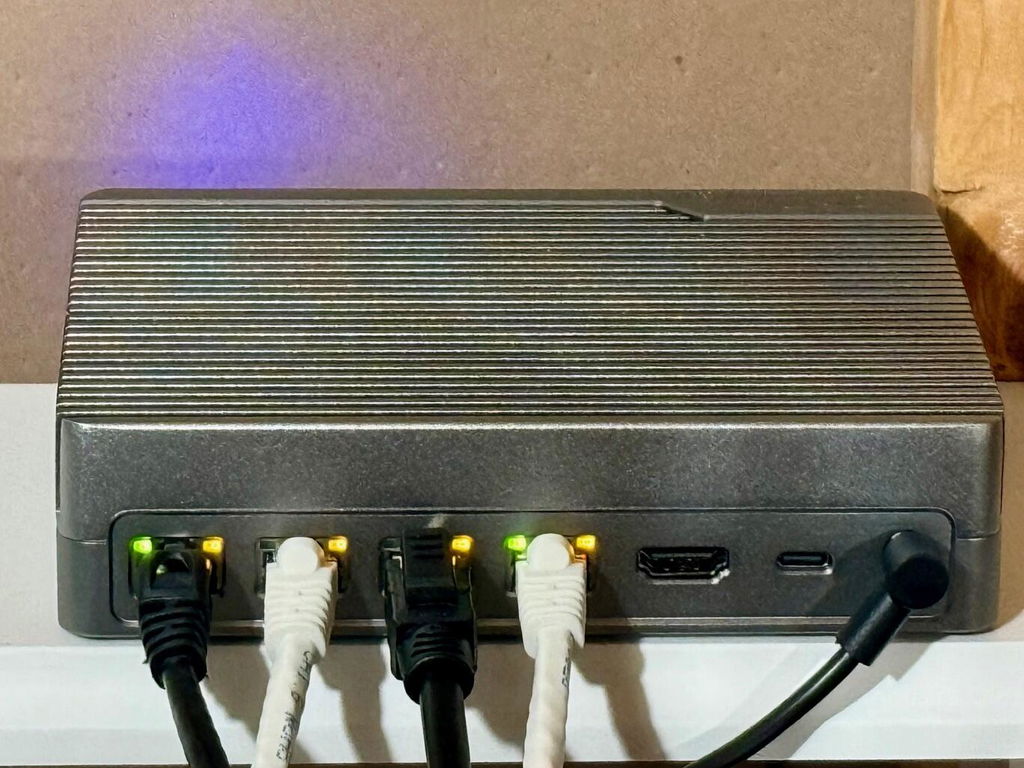
Thanks so much for sharing your experiences and those electricity consumption details!
I didn't realize this, but there isn't drivers for the 10GB ports on this router for OPNSense. It's because OPNSense runs on FreeBSD.
However, I was able to get OPNSense to work by running it under Proxmox as a VM. The throughput through various testing was only ~5gb over the 10gb ports and I think this is a limitation of the virtualized bridge.
I would give this 5 stars if OPNSense worked natively. But for now, it serves my needs as my WAN connection is only 2gb. I bought this (instead of a 2.5gb router) for future proofing.
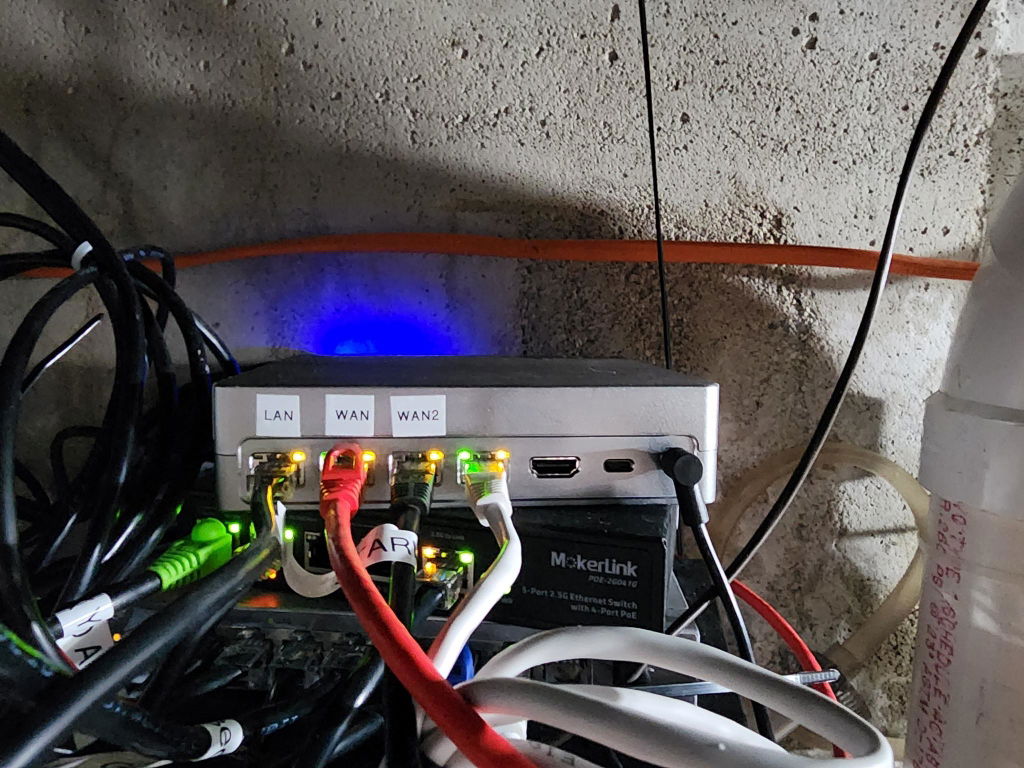
Thank you for your feedback! You’re correct that OPNSense and pfSense are based on FreeBSD, which currently lacks native driver support for the AQC113C-B1-C chipset, and unfortunately, this is something beyond our control. We hope that pfSense and OPNSense will soon release driver updates for the AQC113C-B1-C NIC.
If you’re open to using OpenWRT, we have compiled a custom firmware with the necessary drivers, which can be downloaded from dl.ikoolcore.com. With this setup, the router will be able to fully utilize the 10Gbps bandwidth without any issues.
Looks like its been ported to FreeBsd and now supported:
https://forum.opnsense.org/index.php?topic=51767.0
Great little machine! Great with my promox VMs. So far very stable and remains cool. Fans can make a little noise but not an issue.
Hi iKOOLCORE Team,
is that possible in the future to release this product with intel 10Gb Nics, for proper support in freebsd/pfsense/ OPNSense ?
Thank you
For some reason this device had its system time set to 2052 instead of 2025. This prevented Linux from booting because UEFI and Linux firmware care about the date. I tried reinstalling several times (wasted several hours) before posting my complaint here but ikoolcore knew exactly what the problem was and let me know. I just wish this had been posted on the wiki!
If you install Linux but can't boot past the grub prompt, this is the problem. Fix the date in the BIOS/UEFI and reinstall Linux. My R2 Max is working fine now.
spend enough time to get this thing running stable and it not just the heat there is absolutely everything wrong with it except the case is quite nice. will not recommend your products and since i have build a few systems myself it not like i am total noob. left for spare parts hmm
I am currently using as a Debian Linux WAN router using nftables on "bare metal" with VM/Docker setup with some additional services, e.g. Bind9 and Kea as well as some other local backup web services on my home network. The unit has more than enough performance for my use. During normal use the unit CPU is loaded <5%.
It replaced an older machine that failed. It certainly is much more performant than the old machine. I was disappointed with the old machines performance as it was always slow and after 8 years of use finally failed. It had been unreliable the previous 4 years, often failing multiple times on reboot.
I have not tested the 10gb/s NICs at 10gb/s connection yet, the NICs run well at 2.5gb/s. I checked using iperf utility. During this testing I notice that my main server's 2.5gb/s NIC seems to be bottlenecked. The use of 10gb/s NICs maybe an option to de-bottlenecked in the future, so it is good that this unit has this functionality and was a consideration in purchase.
The units runs warm / hot, but not unacceptably so. It is currently summer here and running s-tui stress the unit reported <50deg.C on all sensors at all times at ambient about 30degC. Stress test fan noise was still acceptable at installed location.
The fans were initially noisy, perhaps some minor mechanical interference, however this quietened down after a couple of weeks. The normal fan noise is not a concern where the unit is located. (These unit is not installed in a bedroom or office and is barely audible only when within a few meters.)
Initial impressions are very positive. Long term reliability will ultimately determine my option of this unit.
great little unit. Running multiple machines via Proxmox quite easily.
This is billed as a gateway router but actually using as such with something like pfSense is painful as the 10gbe ports use the marvell chip while only the 2.5G ports use the intel chips. Now I'm trying to run it inside vm on proxmox. May give up and sell it
We appreciate you taking the time to share your experience. We understand that the driver compatibility for the 10GbE Marvell chip with pfSense and other FreeBSD-based systems can be frustrating.
We apologize for the inconvenience caused by this limitation. Please note that this is primarily a limitation of the underlying FreeBSD-based operating system and not a hardware issue. The root cause of this issue lies in the upstream FreeBSD kernel's limited support for the AQC113C-B1-C chip. While we've highlighted this limitation in our product documentation, we recognize that it can still be frustrating for users with specific requirements.
Our router is designed to offer excellent performance and flexibility with a wide range of operating systems, including OpenWrt, which provides full compatibility with the Marvell chip. We recommend exploring alternative operating systems or reaching out to the pfSense community for further support.
Outstanding produkt! 5 Stars! The product quality is amazing as is the support. I could not be more happy.
Highly recommend it
This is what I wanted for a long time.
It is important to have 10Gbase-T ports and not SFP ports.
Build quality is excellent and it is very affordable price.
iKOOLCORE really understands what users want for product like this.
Keep it up!
This is a very good quality unit. Great cooling.